Real AI Transformations

These Photos Were Taken With a Phone.
The AI Did the Rest.

Browse 37K+ real AI transformations. Every result was generated from a regular photo in under 30 seconds.

  • Real user photos - no professional photography
  • 30 seconds per transformation - 80+ styles
  • Any space, any room, any budget

No design software. No experience needed.

Deqor AI user - homeowner who transformed her kitchen Deqor AI user - real estate agent using AI staging Deqor AI user - interior designer using AI concepts Deqor AI user - contractor using AI for client visualization Deqor AI user - first-time buyer planning her renovation
★★★★★
Rated 4.9/5/5 by 142++ users
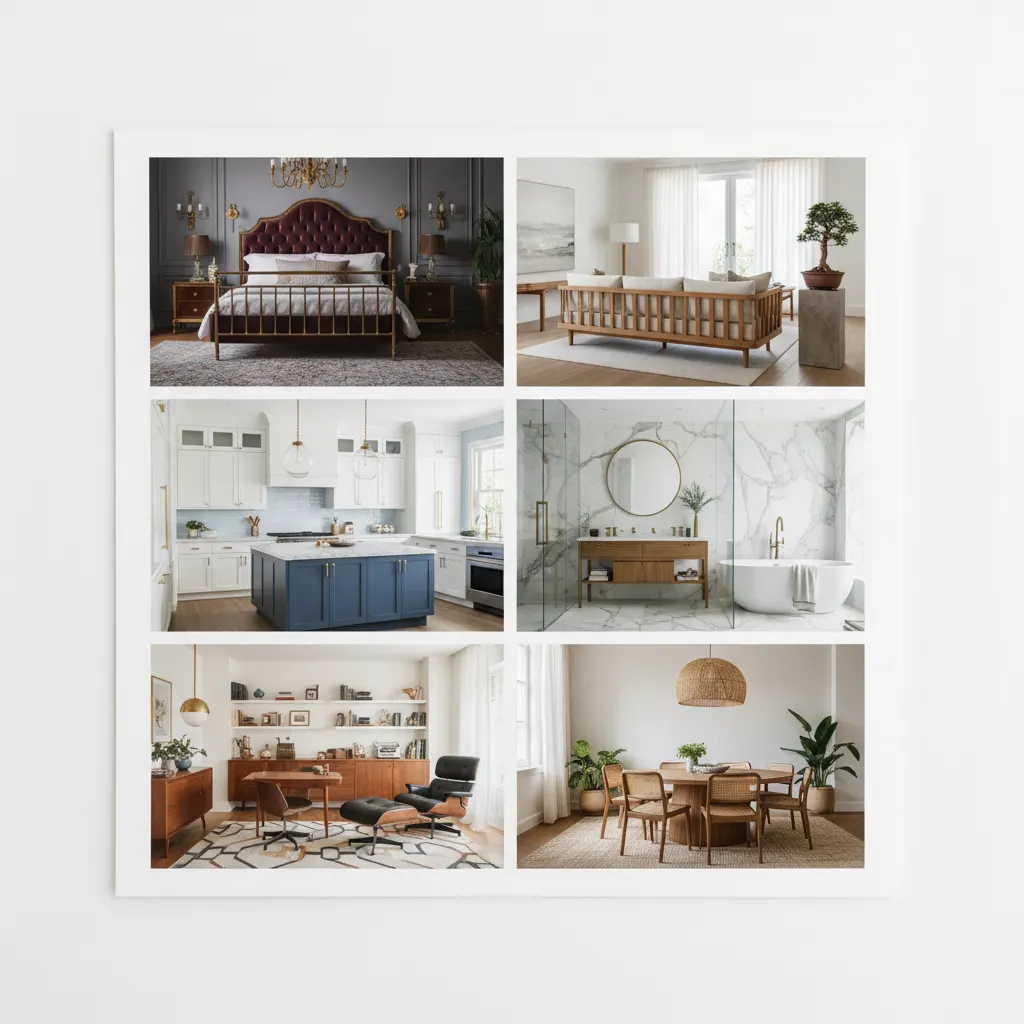
Deqor AI gallery - 6 stunning room transformations from real user phone photos
37K+
Designs Generated
80++
Design Styles
30s
Per Result
230++
Use Cases

Browse by
Room Type

Filter transformations by the space you want to redesign.
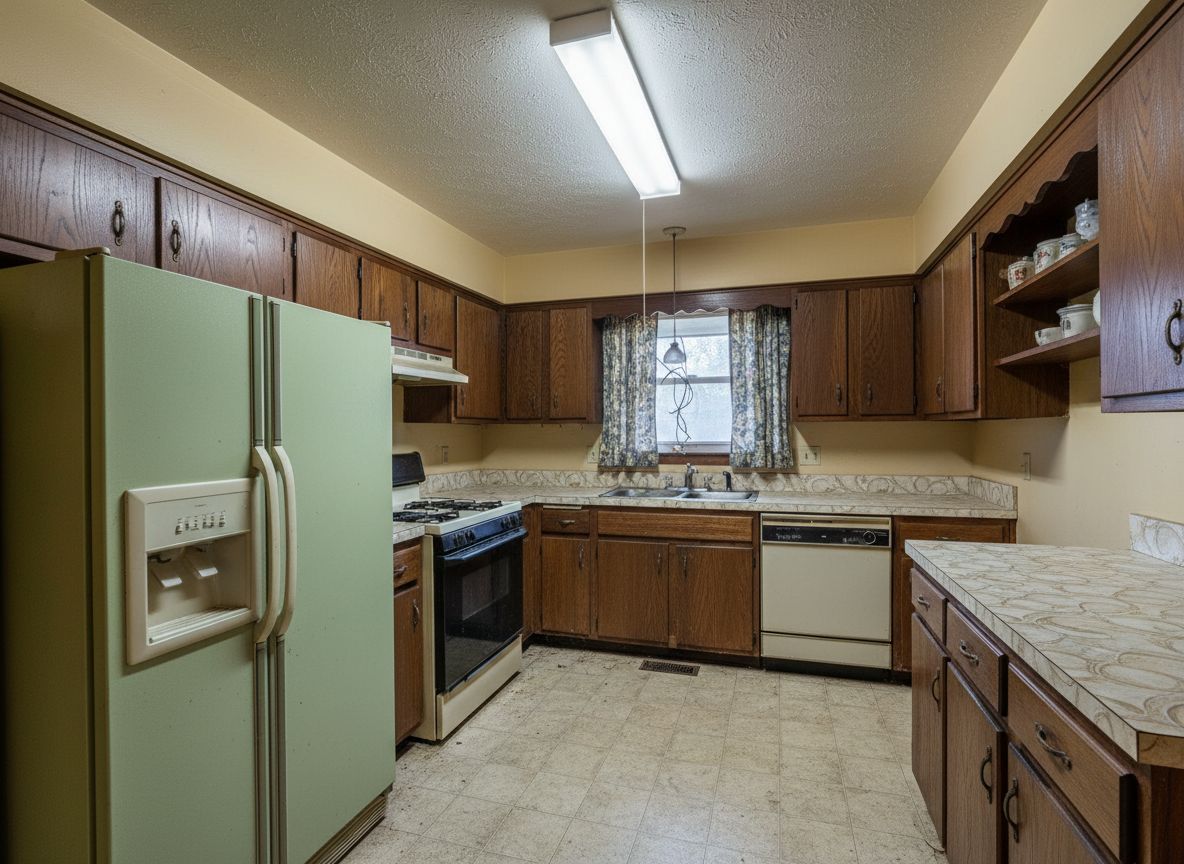
Deqor AI farmhouse kitchen transformation - before photo with outdated oak cabinets Before
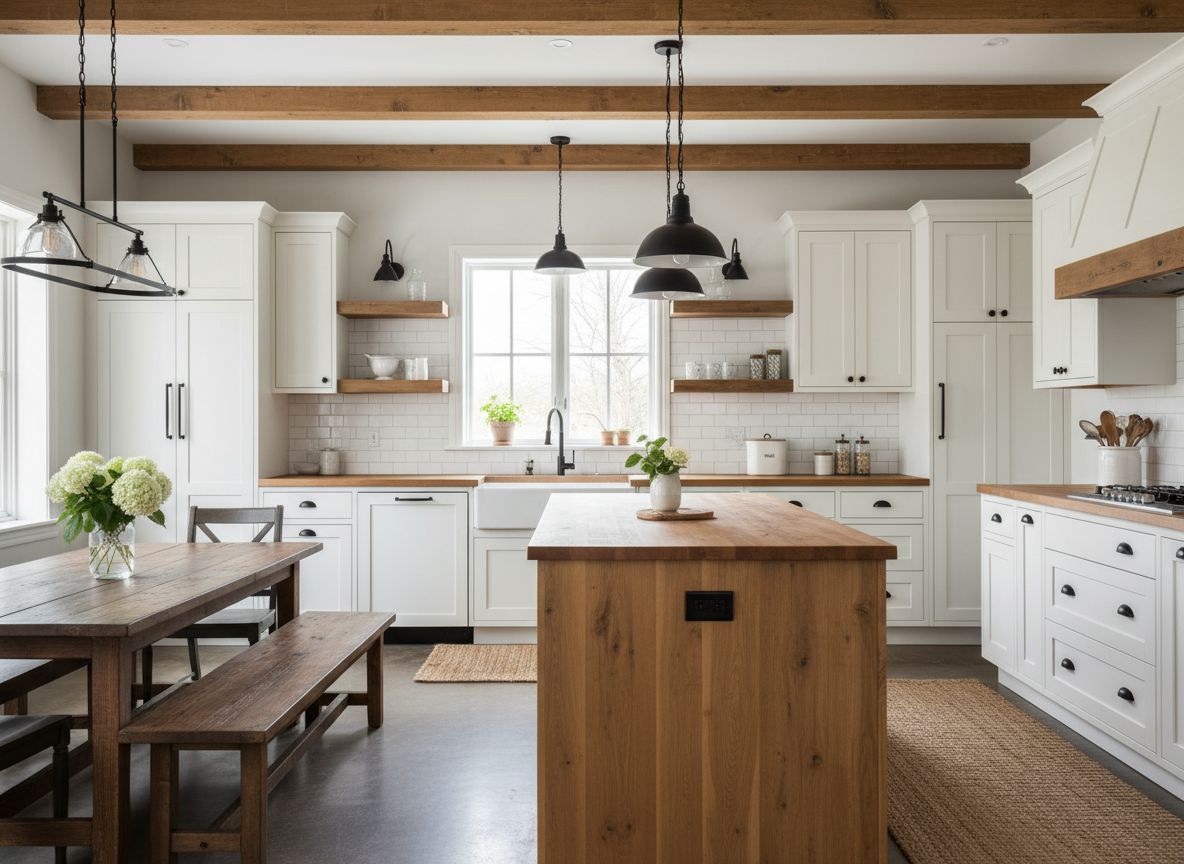
Deqor AI farmhouse kitchen transformation - after photo with modern sage green cabinets After
Kitchen Farmhouse Modern
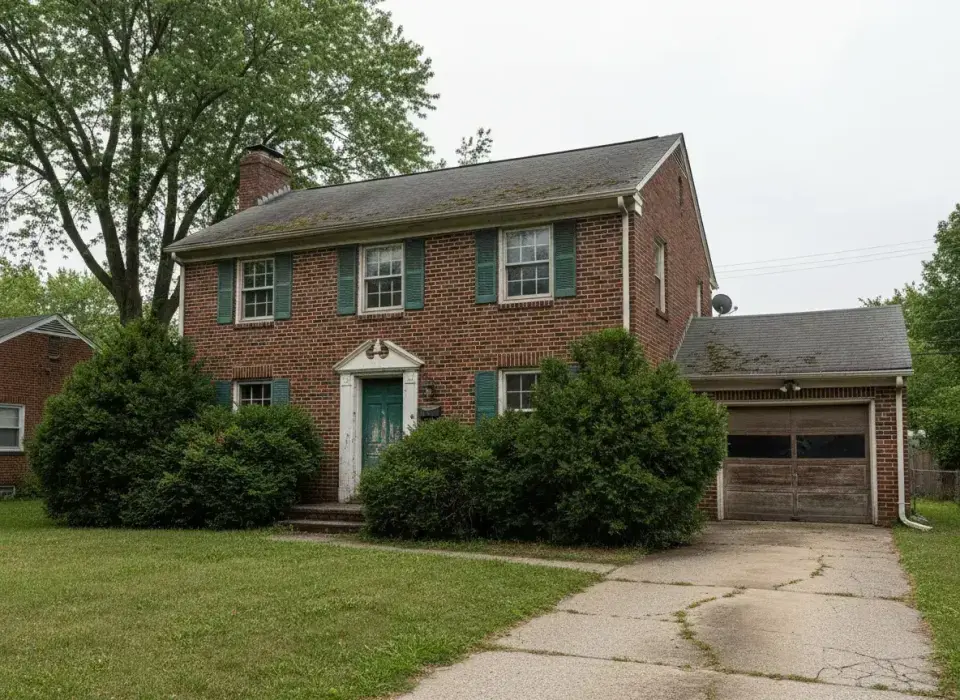
Deqor AI exterior transformation - before photo of colonial home Before
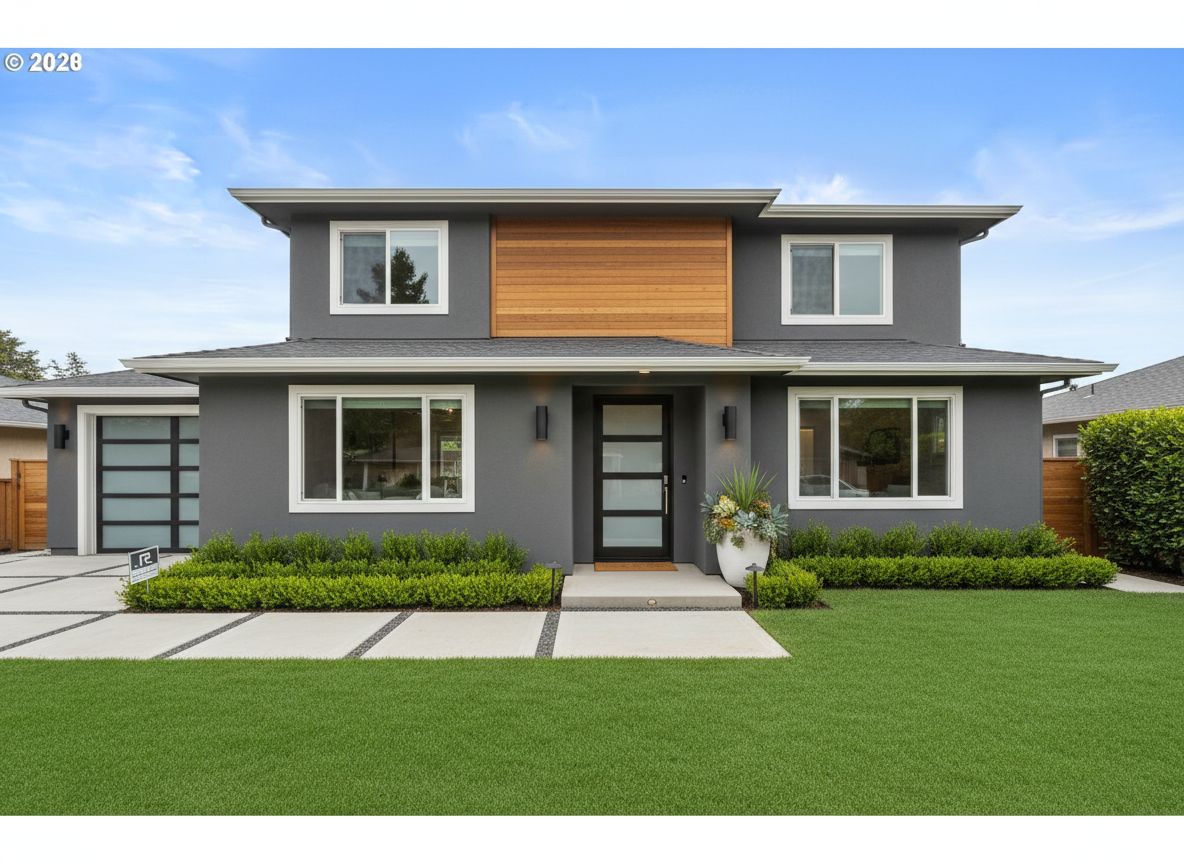
Deqor AI exterior transformation - after photo with modern contemporary facade After
Exterior Modern Contemporary
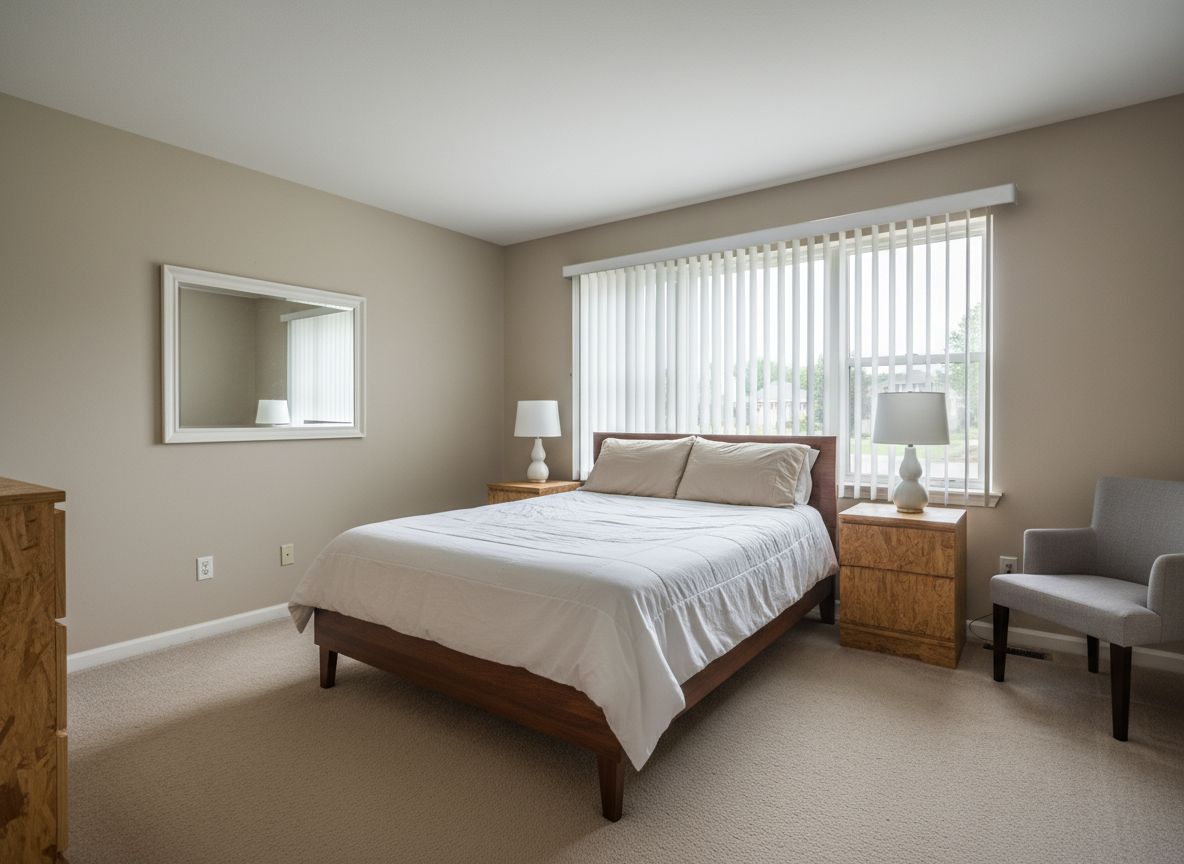
Deqor AI bedroom transformation - before photo of plain bedroom Before
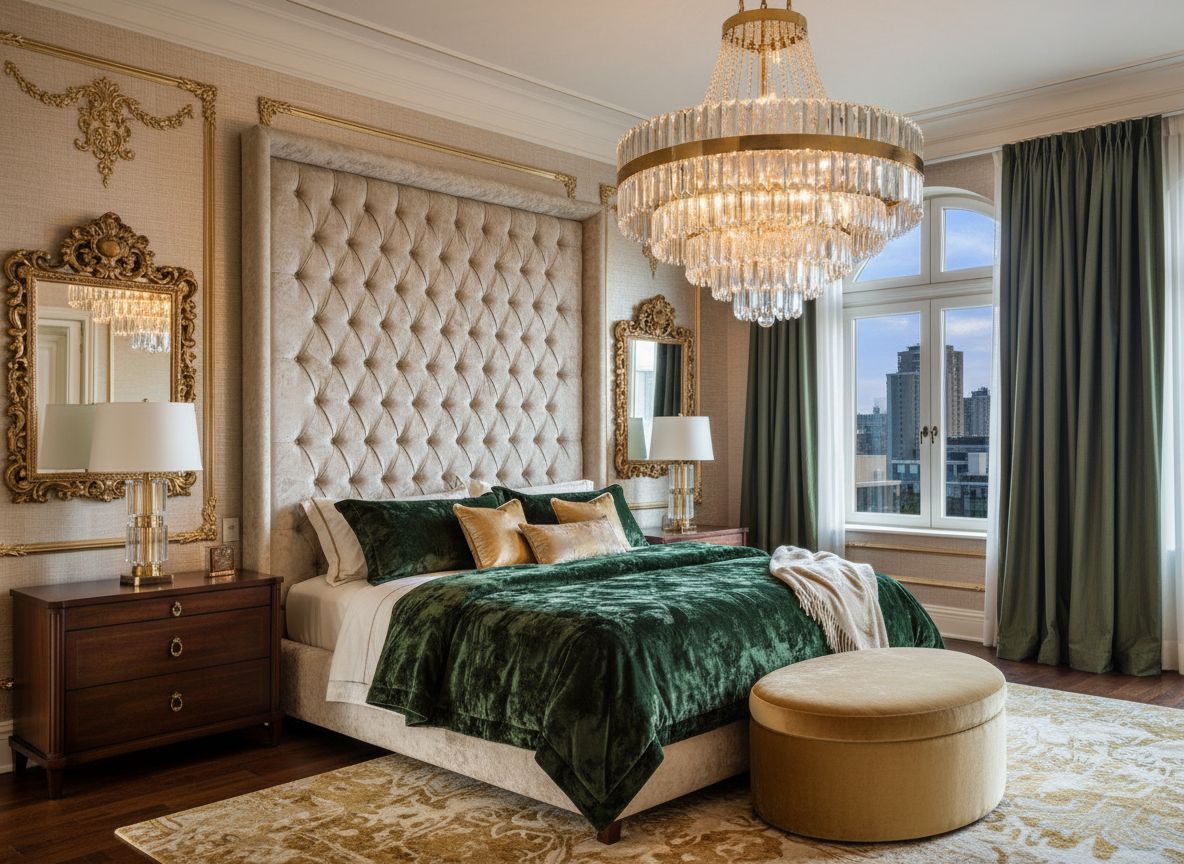
Deqor AI bedroom transformation - after photo with luxury hotel suite design After
Bedroom Luxury Modern
Featured Transformation

Kitchen Transformation -
Farmhouse Modern Style

From outdated oak cabinets to a warm farmhouse kitchen with sage green and open shelving - created from a single phone photo.

Deqor AI farmhouse kitchen - before photo showing outdated oak kitchen cabinets and old countertops
Before

Original photo taken on an iPhone 13 in under 2 minutes

Deqor AI farmhouse kitchen - after photo showing modern sage green cabinets with open shelving and warm farmhouse aesthetic
After
AI Generated in 30s

Farmhouse Modern style - sage green cabinets, open shelving, warm wood accents

"I described exactly what I wanted in one sentence. The AI created it in 30 seconds and now my contractor is using it as the build guide."

Emily R. - Deqor AI homeowner who transformed her kitchen
Emily R.
Homeowner, Austin TX

Transformation Details

Style Used
Farmhouse Modern
Tools
AI Chat + Smart Upload
Time
30 seconds

Ready to Transform Your Space?

Join 2,487+ happy users who have redesigned their homes with Deqor AI.

Featured Transformation

Exterior Transformation -
Modern Contemporary

Colonial to Contemporary curb appeal - new facade, landscaping, and a blue sky - all from one phone photo.

Deqor AI exterior transformation - before photo of dated colonial home with brick facade
Before

Original photo - colonial-style home with dated brick facade

Deqor AI exterior transformation - after photo showing modern contemporary home with clean lines and new landscaping
After
AI Generated in 30s

Modern Contemporary - clean facade, curated landscaping, natural light

"I used the AI render in our listing photos and the house sold in 5 days. Buyers told us the curb appeal visualization helped them see the property's potential instantly."

Marcus T. - Deqor AI user who sold his home faster using AI exterior rendering
Marcus T.
Homeowner, sold March 2025

Transformation Details

Style
Modern Contemporary
Feature Used
Exterior Enhancement
Result
Listed the next week

More Transformations
to Inspire You

Real before/after pairs created by Deqor users - every space, every style.
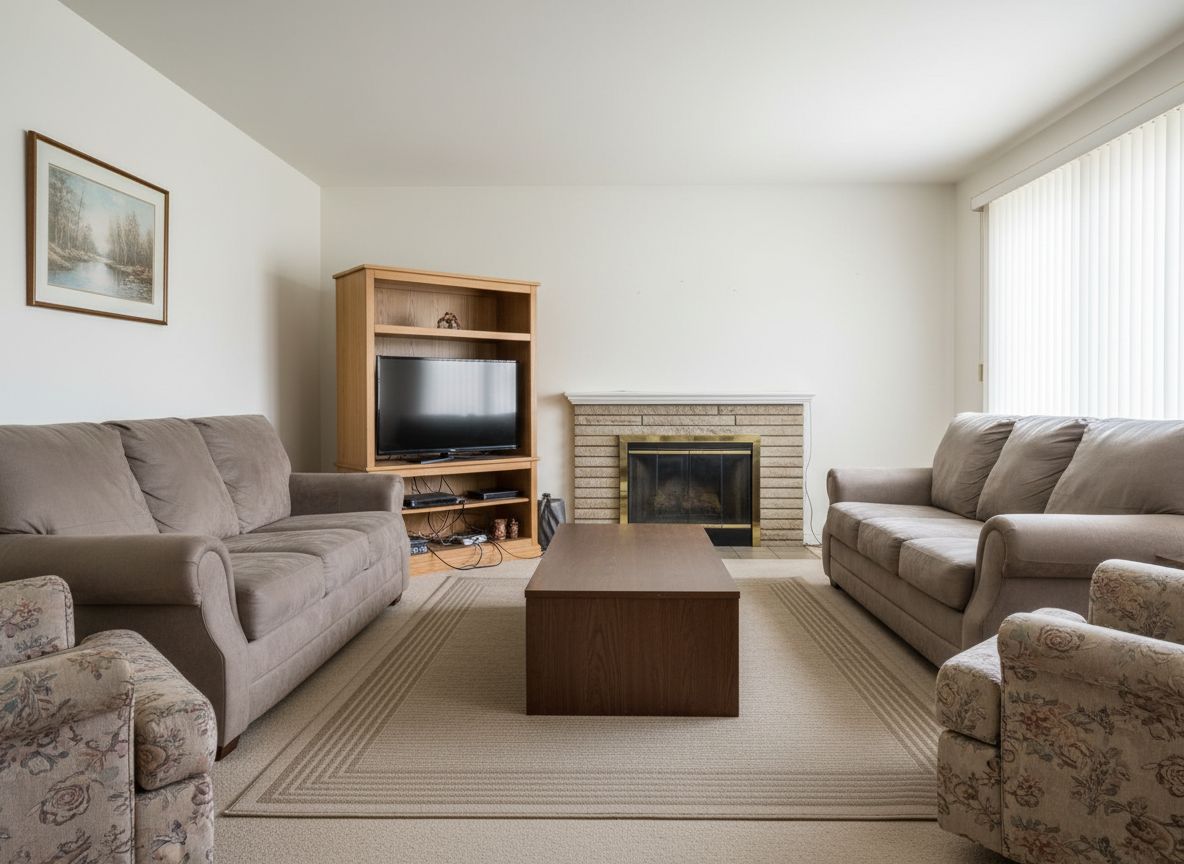
Deqor AI mid-century living room transformation - before photo showing plain living room Living Room Before
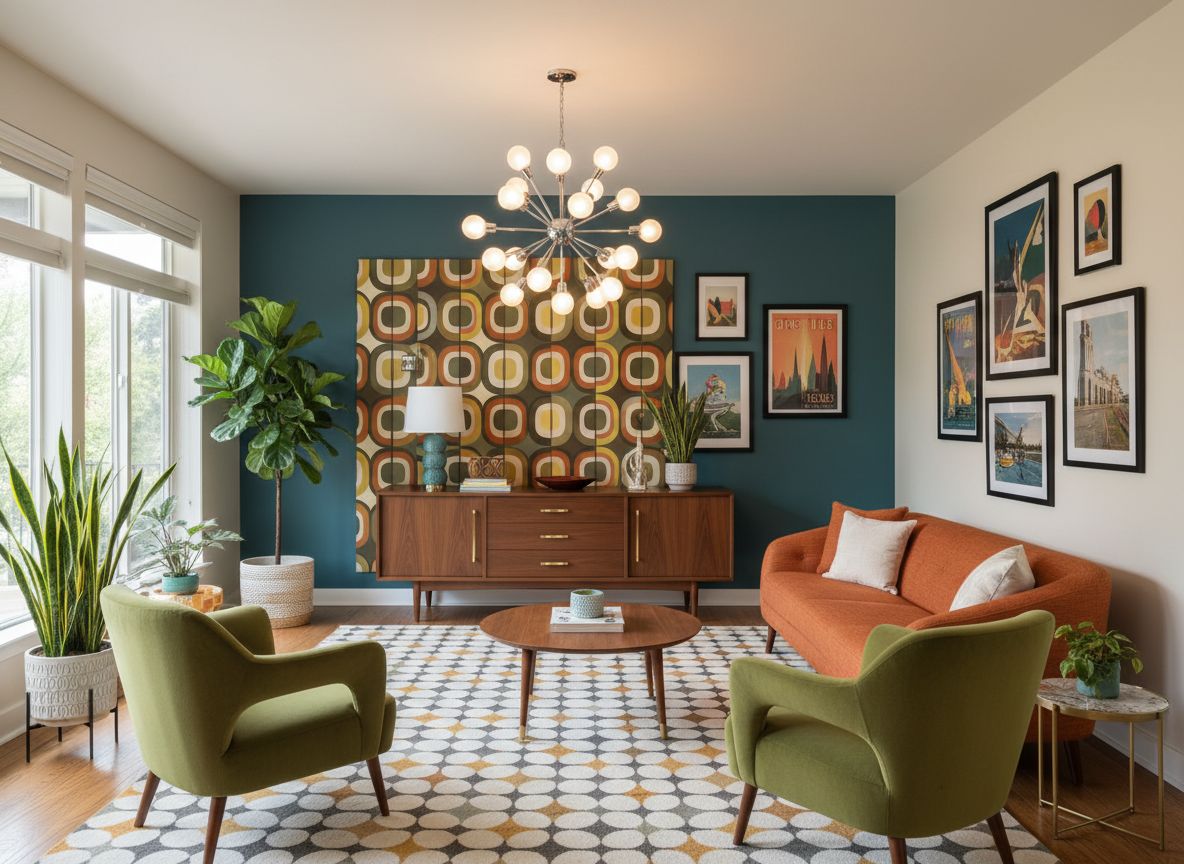
Deqor AI mid-century living room transformation - after photo showing stunning mid-century modern design Mid-Century After

Mid-Century Modern living room revival
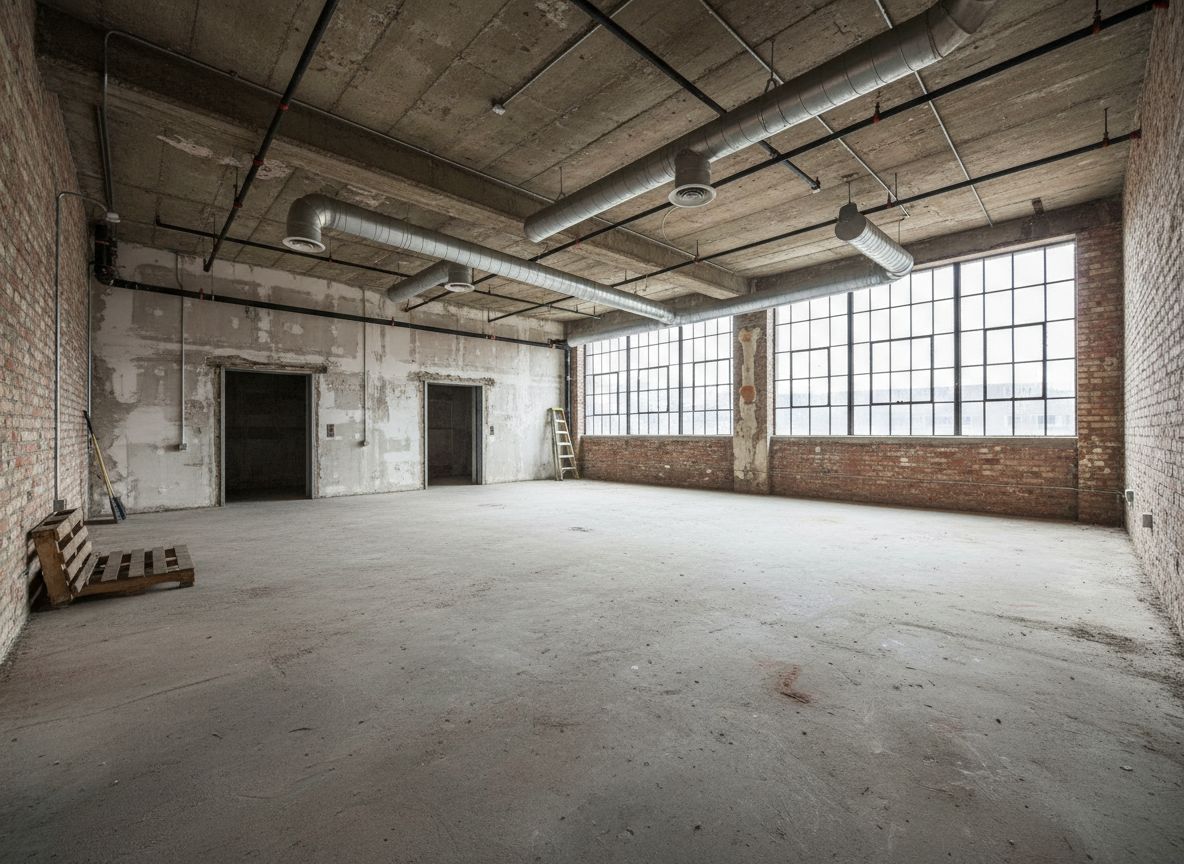
Deqor AI industrial loft transformation - before photo of unfinished loft space Loft Before
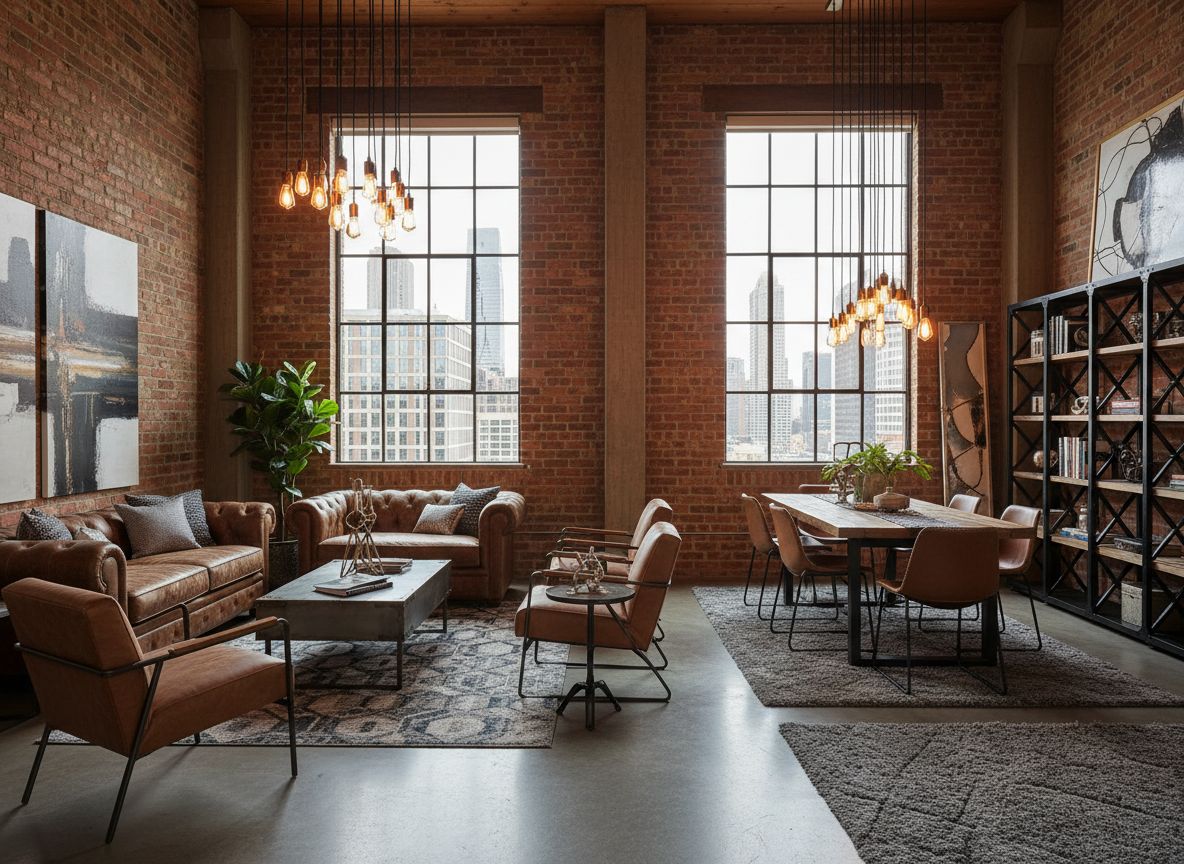
Deqor AI industrial loft transformation - after photo showing urban industrial chic design Industrial After

Urban Industrial chic loft redesign
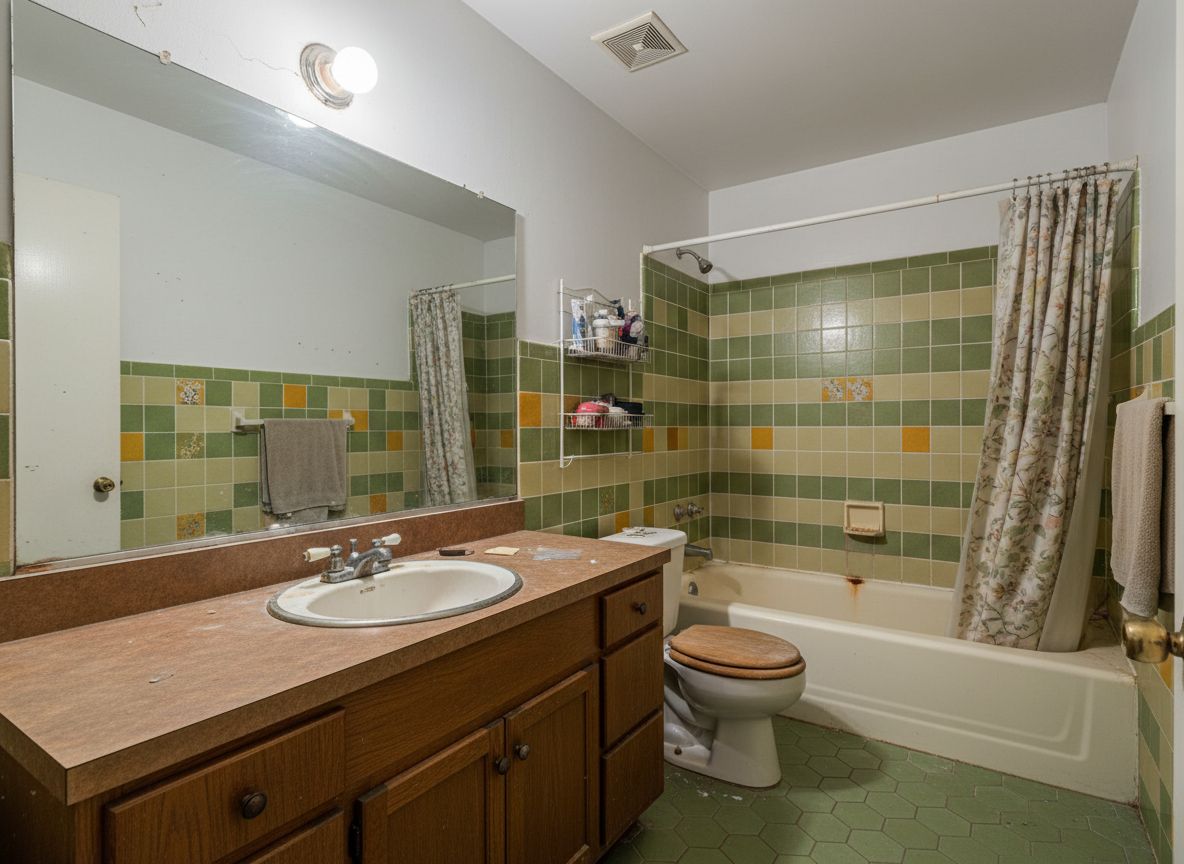
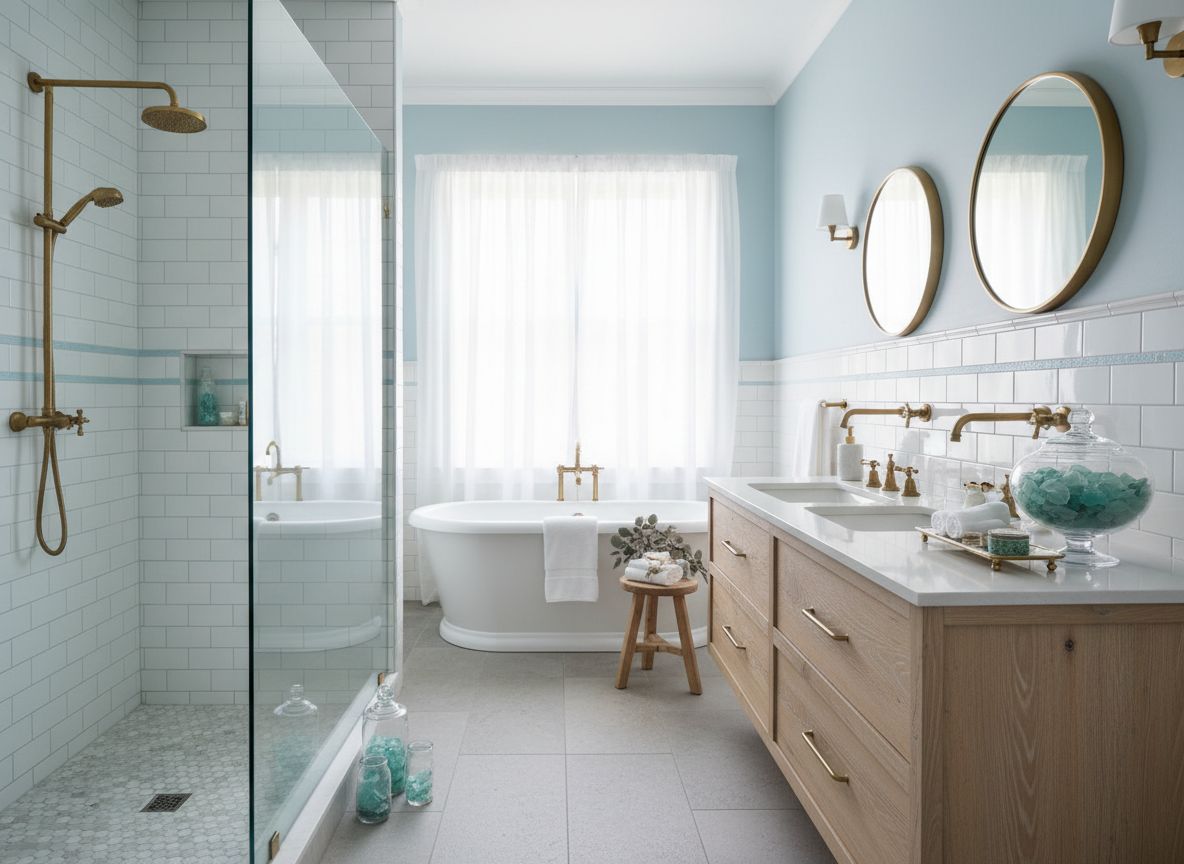
Deqor AI coastal bathroom transformation - before photo of dated bathroom Bathroom Before
Deqor AI coastal bathroom transformation - after photo showing serene coastal spa bathroom Coastal After

Coastal Spa bathroom transformation
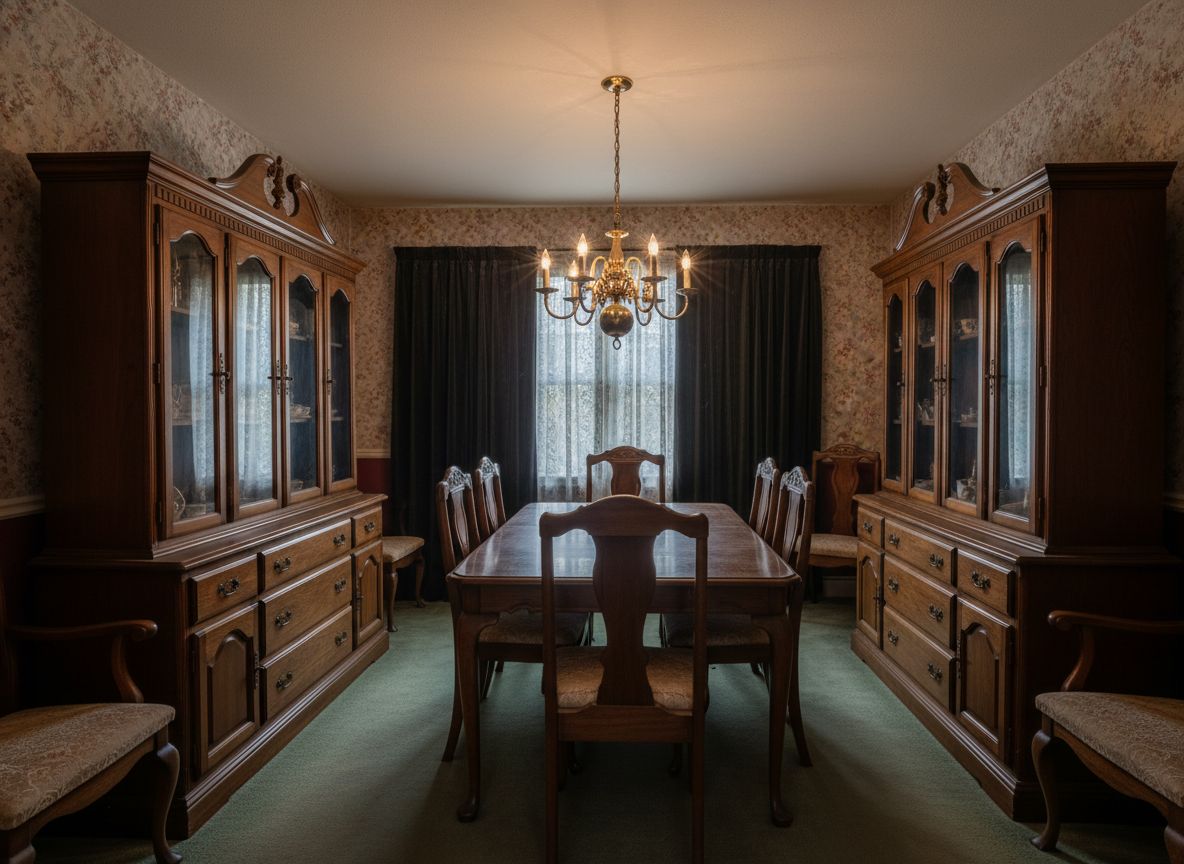
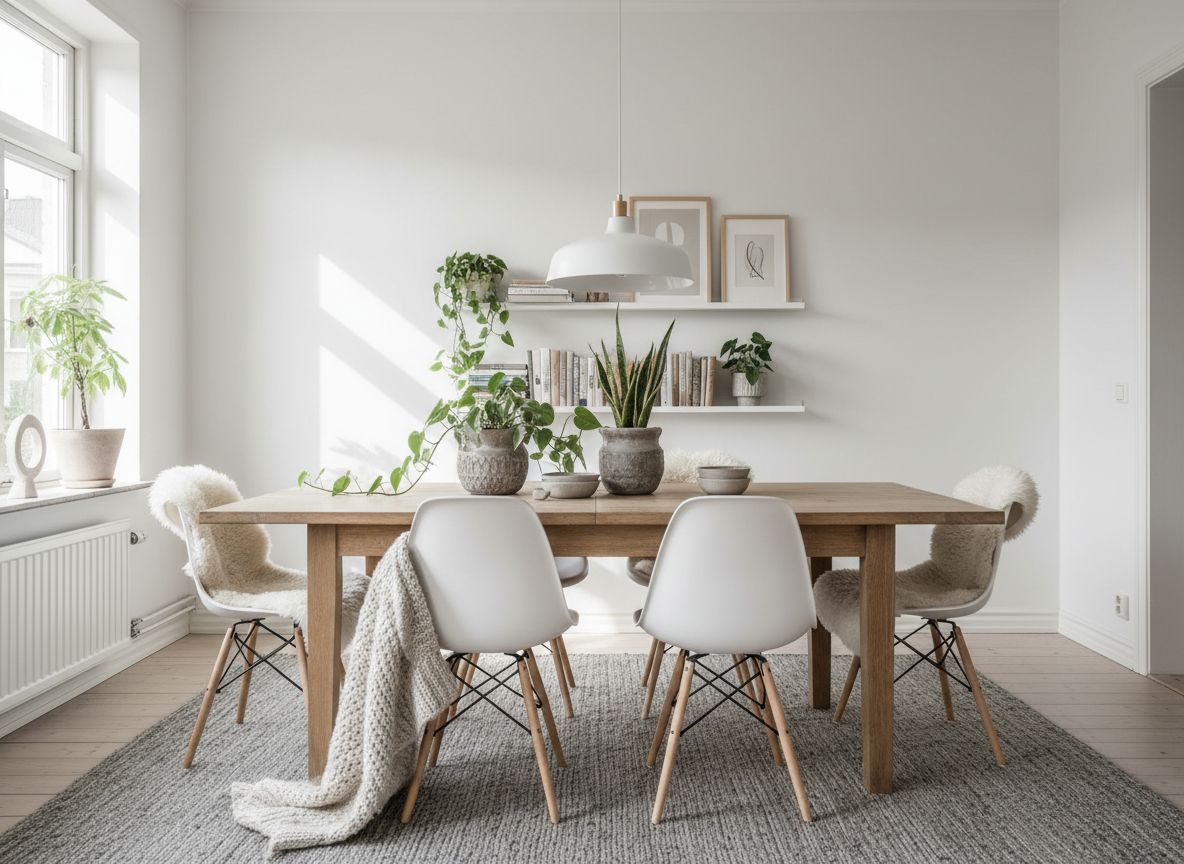
Deqor AI Scandinavian dining room transformation - before photo of plain dining space Dining Room Before
Deqor AI Scandinavian dining room transformation - after photo with clean Nordic design and warm tones Scandinavian After

Scandinavian minimalist dining redesign
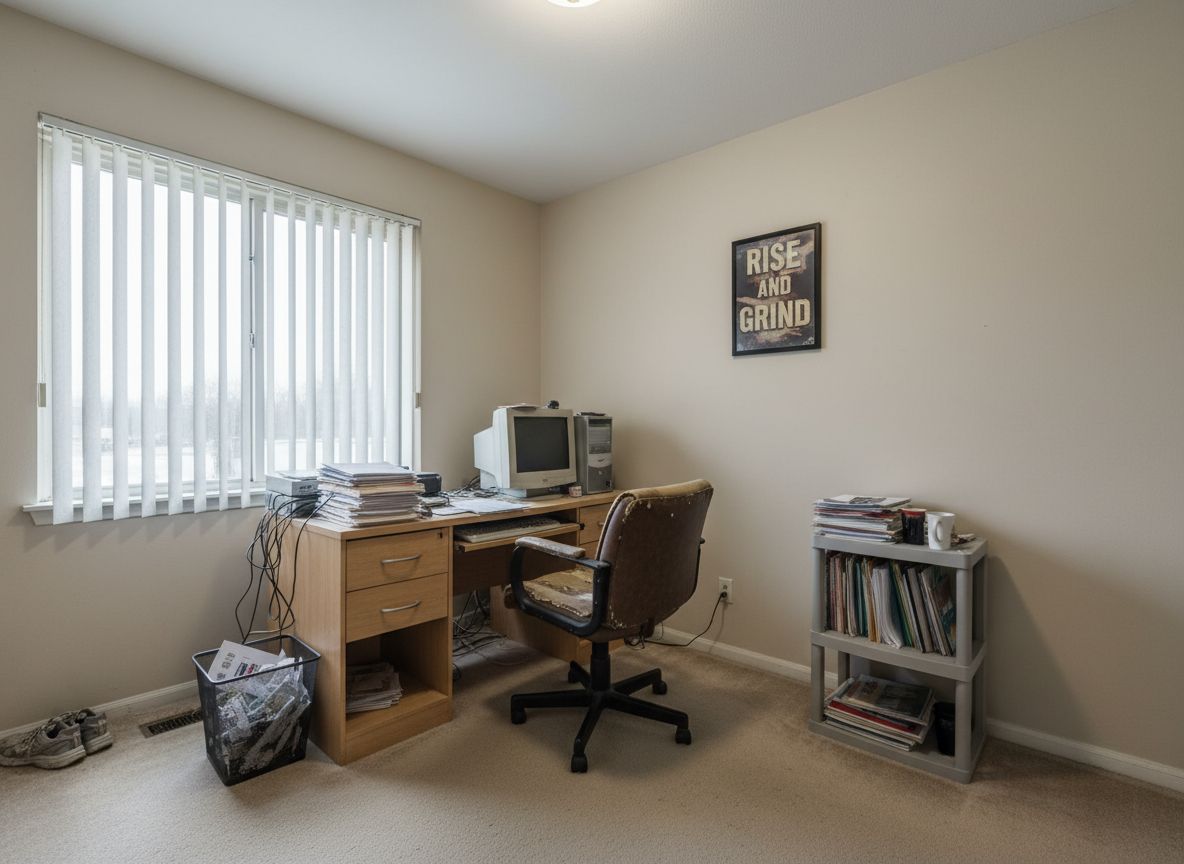
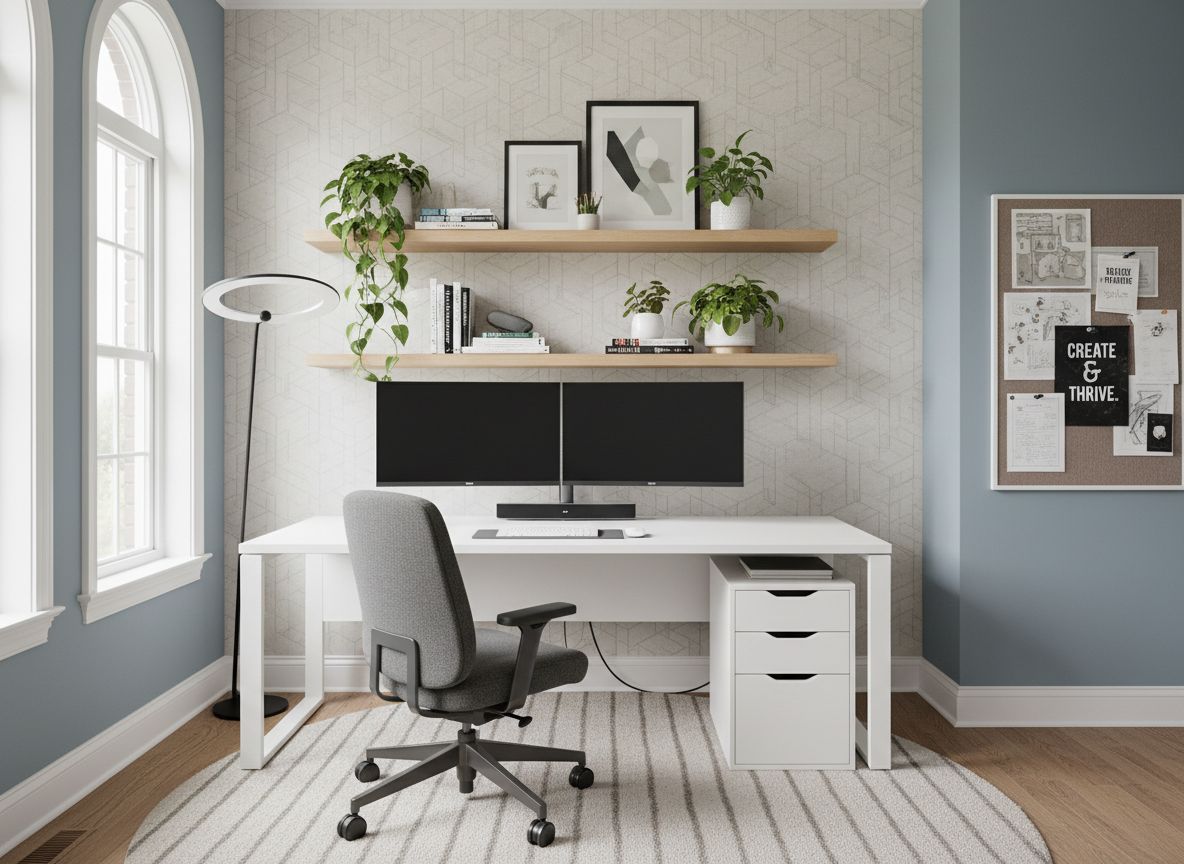
Deqor AI home office transformation - before photo of bare home office space Office Before
Deqor AI home office transformation - after photo showing polished contemporary executive home office Contemporary After

Contemporary home office upgrade
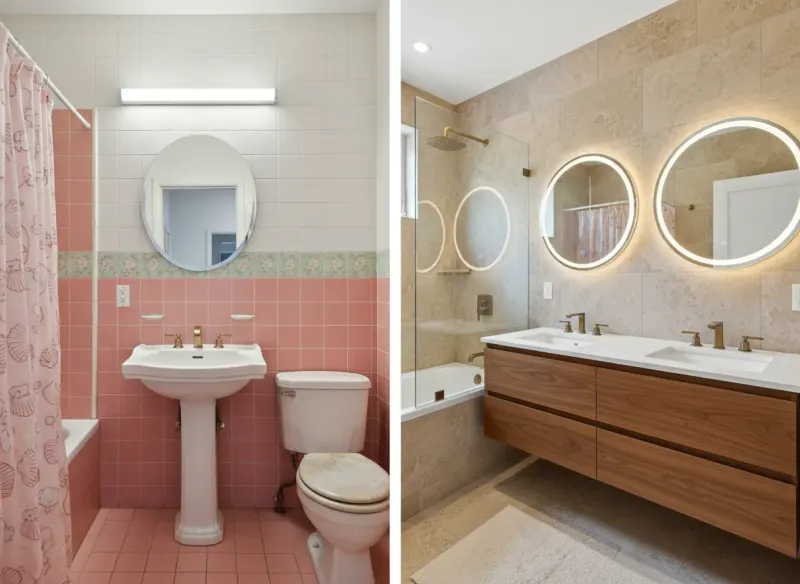
Deqor AI spa master bathroom transformation - from dated pink 90s bathroom to luxurious spa master bath Bathroom Spa Master

90s pink bath to luxury spa master suite

Kitchen and Living
Room Transformations

Two of the most popular room types - see what AI can do with a single phone photo.
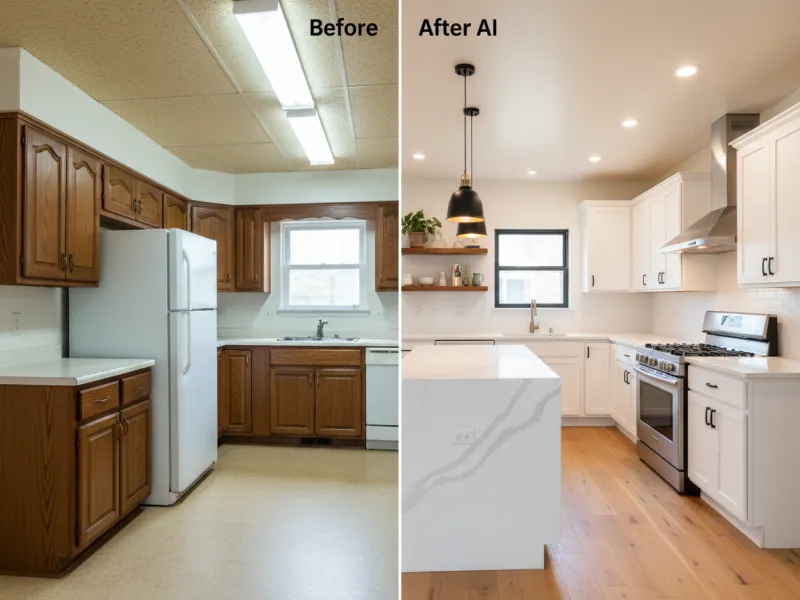
Deqor AI kitchen transformation - 1980s outdated kitchen redesigned to modern open kitchen by AI
Kitchen Modern Open Concept

1980s Kitchen Modernized

An outdated 1980s kitchen with worn laminate counters and cramped layout was transformed into a bright open-concept modern kitchen with quartz countertops and new cabinetry.
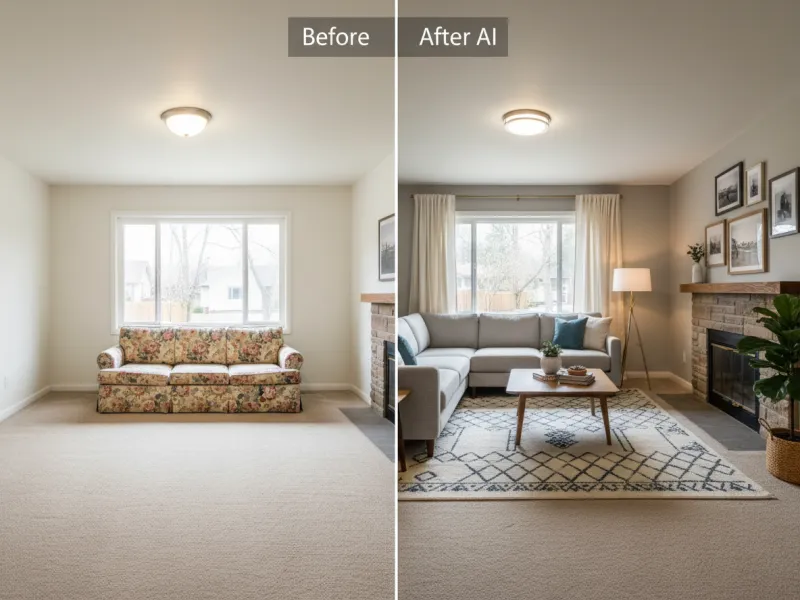
Deqor AI living room transformation - empty plain room transformed into Transitional living room with AI by Deqor
Living Room Transitional

Empty Room to Transitional Living Room

An empty, bare room was transformed into a warm and inviting Transitional living room complete with curated furniture, layered textiles, and thoughtful lighting.
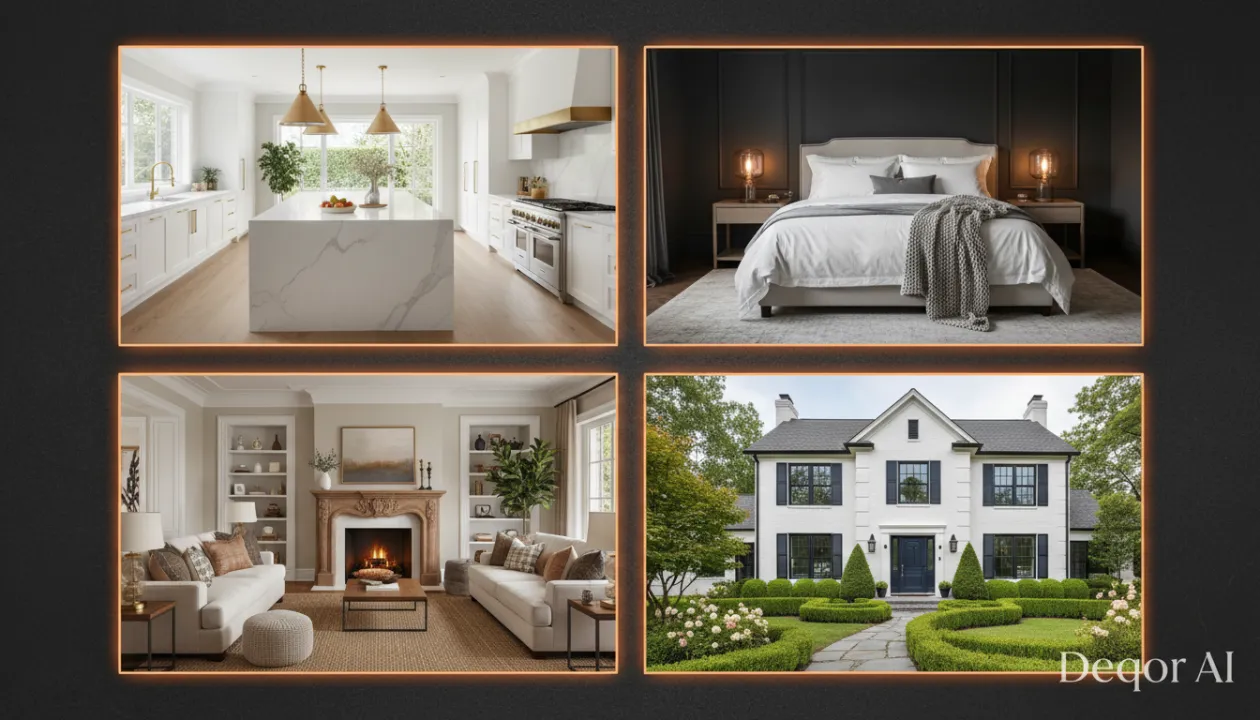
Deqor AI feature showcase - 4 stunning room transformations showing kitchen, living room, bedroom, and exterior redesigns

230++ Transformation Types

From Subtle Style Updates to Complete Redesigns

Deqor AI living room transformation process - showing the before and after of an AI redesign created from a phone photo

How Each Transformation
Was Created

Every photo in this gallery followed the same three steps. No design software. No professional photographer.

1

Photo taken with phone

Any photo works - even dim or cluttered rooms. Takes about 2 minutes.

~2 minutes
2

Style described in plain English

Type what you want - "modern farmhouse with warm tones" is enough. No design vocabulary required.

~1 minute
3

AI generates photorealistic result

Deqor renders a stunning photorealistic redesign of your exact space in 30 seconds.

30 seconds

You don't need design skills. You just need a photo and an idea.

Start Your Transformation

Deqor AI vs
Traditional Alternatives

See why more homeowners, designers, and real estate professionals are choosing AI-powered design.

Feature Recommended Deqor AI Interior Designer DIY Decorating
Cost per transformation From $0.50 $500 - $5,000+ Hours of guesswork
Time to first result 30 seconds Days to weeks Weeks to months
Unlimited revisions Extra charges apply
Works from phone photo Site visit required
Try before you commit Renders cost extra No preview possible
80+ style options Designer's style only Limited by taste

What Users Say
About Their Results

Real feedback from homeowners, agents, designers, and contractors who used Deqor to visualize their spaces.

★★★★★

"I couldn't believe what I was looking at. I uploaded a photo of my cluttered living room on a Tuesday and by Thursday I had a design that looked like it belonged in a magazine. Couldn't have imagined it on my own."

Sarah K. - homeowner who redesigned her living room with Deqor AI
Sarah K.
Homeowner
★★★★★

"We used Deqor AI renders in our listings and one property sold in 5 days - the buyers said the before/after images helped them see the true potential. Now I use it on every listing before the photos go live."

James W. - real estate agent using Deqor AI for property listings
James W.
Real Estate Agent
★★★★★

"As an interior designer, I use Deqor to quickly present concept directions to clients before getting into mood boards and specs. It saves me 4-6 hours per project and clients love the visual direction immediately."

Priya M. - interior designer using Deqor AI for client concept presentations
Priya M.
Interior Designer
★★★★★

"My clients used Deqor to generate their kitchen vision. They came to me with the AI render as a build guide and we were aligned from day one. Zero back-and-forth, no scope changes. Every contractor should know about this tool."

Carlos R. - contractor using Deqor AI for client project alignment
Carlos R.
General Contractor
★★★★★

"As a first-time buyer, I was terrified to commit to anything. Deqor let me see exactly what each room could become before we even put in an offer. It's exactly what I imagined but better - and it gave me real confidence to move forward."

Alicia H. - first-time homebuyer who used Deqor AI to visualize renovation potential
Alicia H.
First-Time Buyer
★★★★★

"We're mid-renovation and Deqor AI has been our compass the entire time. Whenever we hit a design decision - tile, cabinets, paint - we generate a render first. We've saved thousands by visualizing before buying anything wrong."

Derek and Tina B. - homeowners using Deqor AI throughout their full home renovation
Derek B.
Homeowner - Full Renovation

Frequently Asked
Questions

Everything you want to know about Deqor AI transformations.

Every transformation in this gallery was created from a real photo taken by an actual Deqor user - no professional photography, no staged sets, no special lighting equipment. Users uploaded photos from their iPhones, Android phones, and basic digital cameras. We do not use stock photos or AI-generated "before" images. What you see is a genuine representation of what Deqor AI delivers to real people.
The AI rendering itself takes 30 seconds from the moment you submit your photo. The total time - from opening the app to having a finished result - is typically 2 to 3 minutes including uploading your photo and typing your style preference. Generating multiple variations of the same room takes under 5 minutes total.
Yes - every example in this gallery came from an ordinary phone photo. Deqor AI is designed to work with real-world photos, not perfect shots. A photo taken in natural daylight will produce the best results, but even dim or cluttered rooms generate impressive transformations. The AI intelligently understands the spatial layout and room architecture from any reasonable photo quality.
Deqor AI handles all interior and exterior spaces - living rooms, kitchens, bedrooms, bathrooms, dining rooms, home offices, outdoor patios, and building facades. The most popular transformations are kitchens and living rooms, but every room type produces photorealistic results. Exterior renovations and curb appeal makeovers are also highly effective, particularly for real estate professionals.
Deqor offers 80++ design styles including Modern, Farmhouse, Scandinavian, Industrial, Coastal, Transitional, Bohemian, Mid-Century Modern, Contemporary, Traditional, Art Deco, and many more. You can also describe a completely custom style in plain English and the AI will interpret it - no need to pick from a rigid dropdown list.
Absolutely. All transformations you generate are yours to download, share, and use however you like - including on social media, real estate listings, renovation planning platforms, or as reference materials for contractors. Many users share their before/after results on Instagram and Pinterest to document their renovation journeys.
Higher-quality photos do produce sharper results, but the AI is remarkably forgiving of imperfect conditions. Photos taken in good natural light yield the best output, but the AI handles clutter, slight motion blur, and standard phone camera quality very well. The most important factor is that the room's architecture and walls are clearly visible - extreme darkness or very low resolution are the main limiters.
Simply describe the style you want in the chat prompt when you upload your photo. You can reference the style name shown in the gallery (e.g., "Farmhouse Modern with sage green cabinets") or describe specific elements you liked - "warm wood tones, open shelving, white walls." The AI chat feature also allows you to ask for refinements after seeing the initial result.

Your space has this kind of potential. See it now.

Every transformation you see above started with a regular photo. Yours can too. No design skills, no software, no experience required.

·