From Sketch to Client-Ready Render.
In 30 Seconds.
Deqor AI turns any architectural input - site photo, SketchUp export, hand sketch, Revit view - into a photorealistic render your clients can immediately understand and approve. No rendering studio required.
- Exterior facades, lobbies, and public spaces - any typology
- 80+ architectural styles - from brutalist to biophilic
- Presentation-board quality at a fraction of the cost





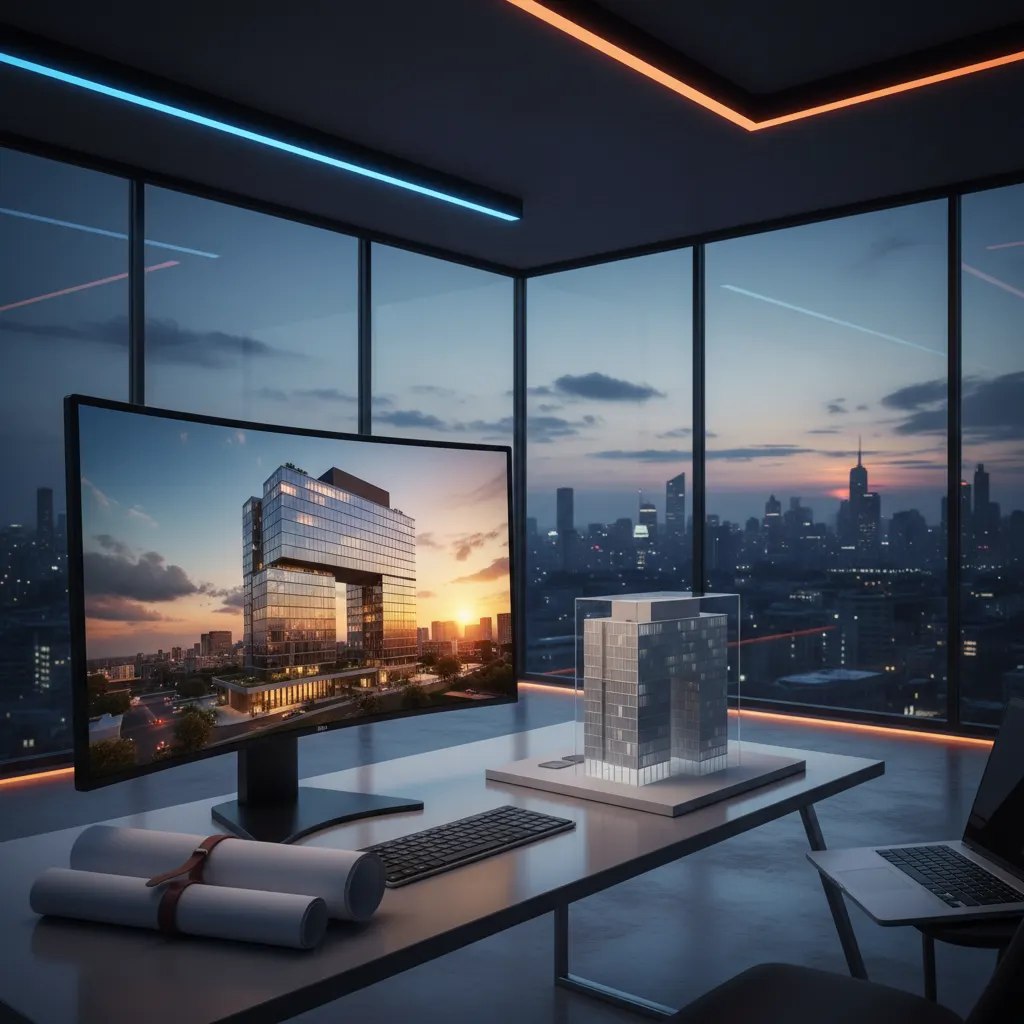
The Visualization Tax
Every Architecture Practice Pays
Every project, you're forced to choose between client clarity and project economics. That's a broken trade-off - and it doesn't have to exist.
Renders Eat Your Budget
Each design iteration means another invoice. Concept phase, schematic design, competition submissions - the costs stack fast, and they come out of your fee.
Clients Can't Read Drawings
Technical drawings are a professional language your clients never learned. Without photorealistic context, approvals stall, revisions multiply, and decisions get delayed by weeks.
Waiting Breaks Momentum
Three days for a render means three days of your project sitting still. When client meetings demand changes, you're back in the queue. Design momentum is priceless - and you keep losing it.
Ready to Transform Your Space?
Join 2,487+ happy users who have redesigned their homes with Deqor AI.
3 Steps. From Concept to Client
in Minutes.
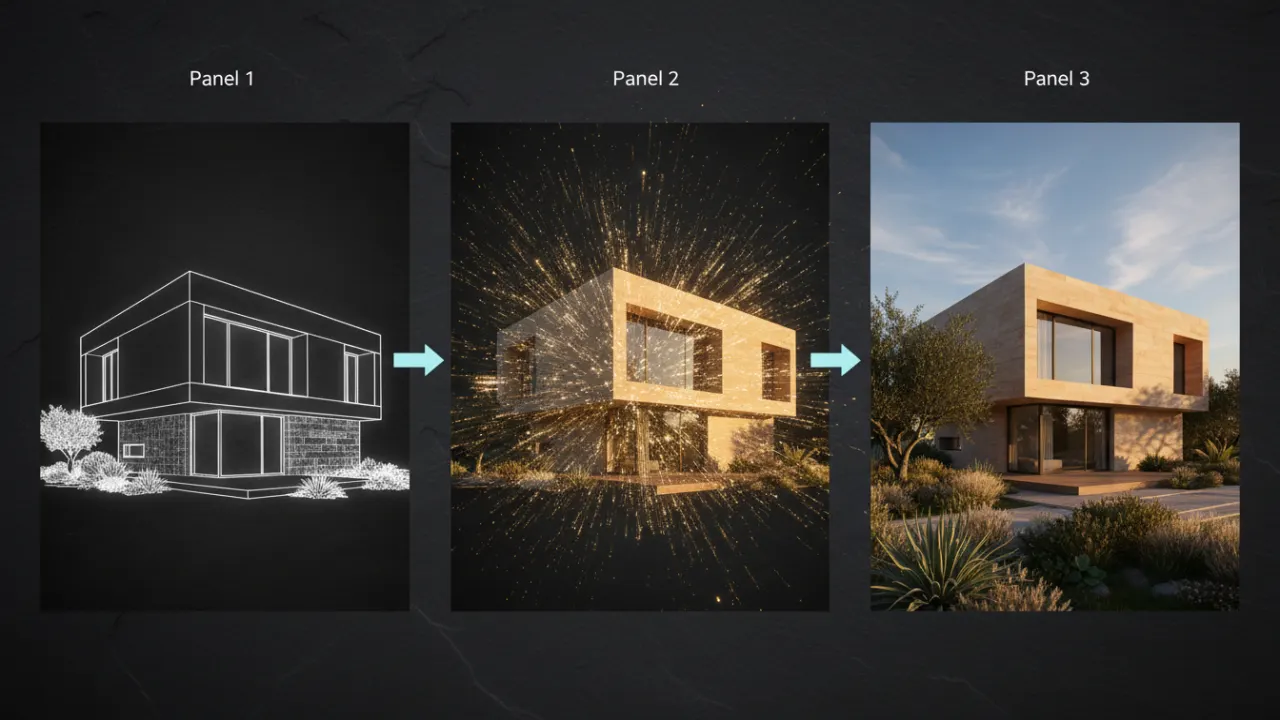
Upload Your Input
SketchUp export, site photograph, hand sketch, ArchiCAD view, Revit screenshot - any visual input works. Deqor AI accepts whatever you have at any design stage.
Describe the Architecture
Write a natural language brief: "Corten steel panel facade, floor-to-ceiling curtain wall, green roof terrace, warm evening light." Deqor AI understands architectural vocabulary.
Download Presentation-Ready
Receive HD renders sized for proposals, competition boards, RFP submissions, and publications. Right-click, download, drop into your InDesign layout. Done.
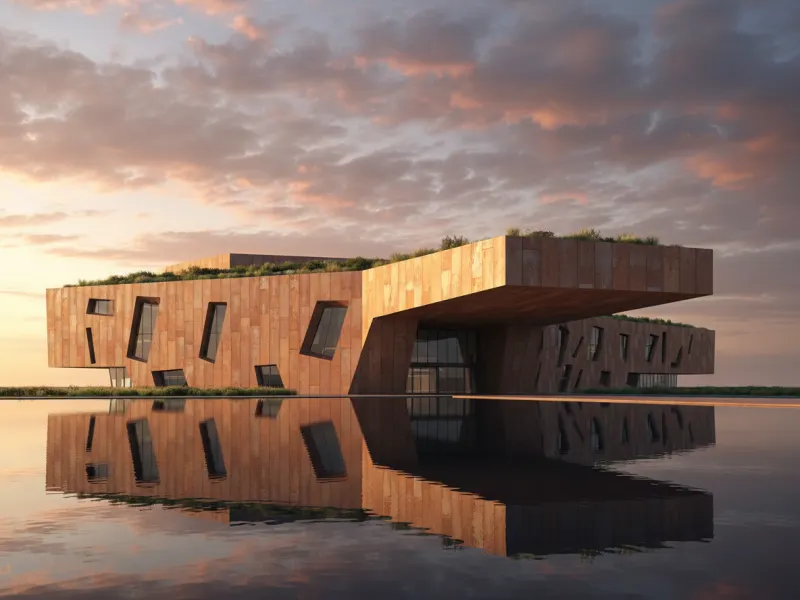
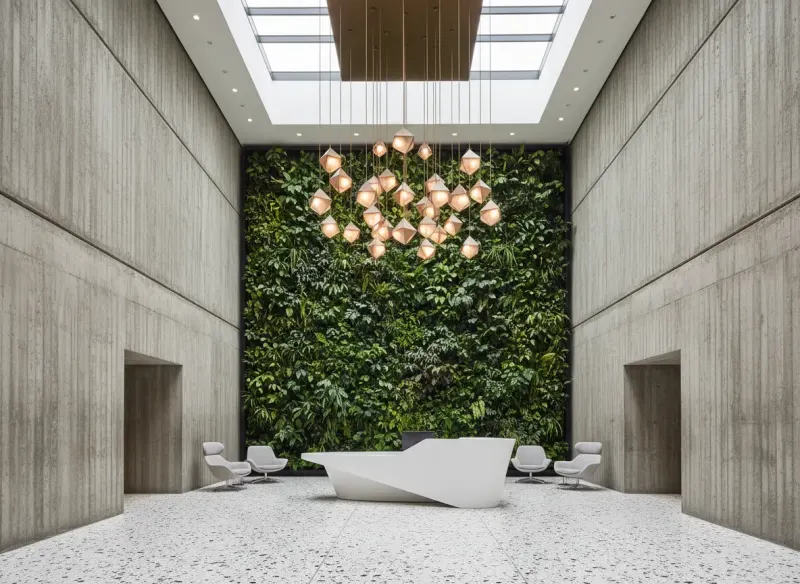
Architecture Visualized
Across Every Scale
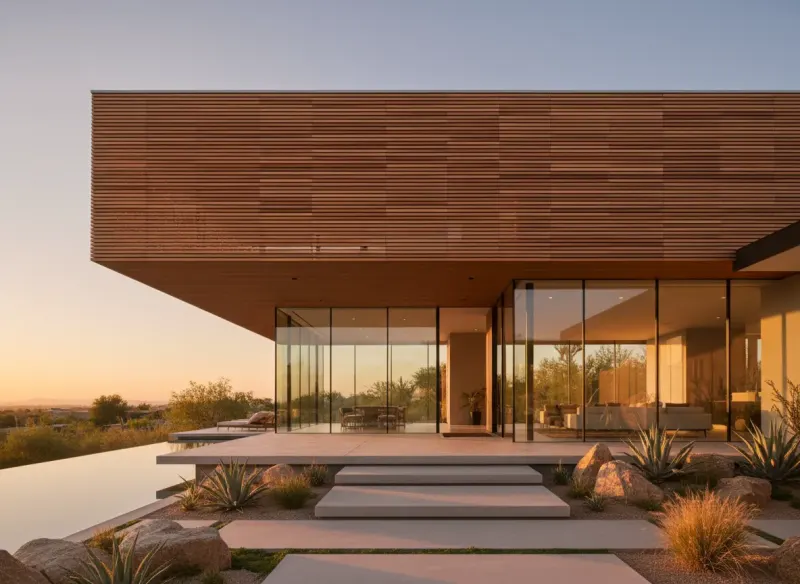
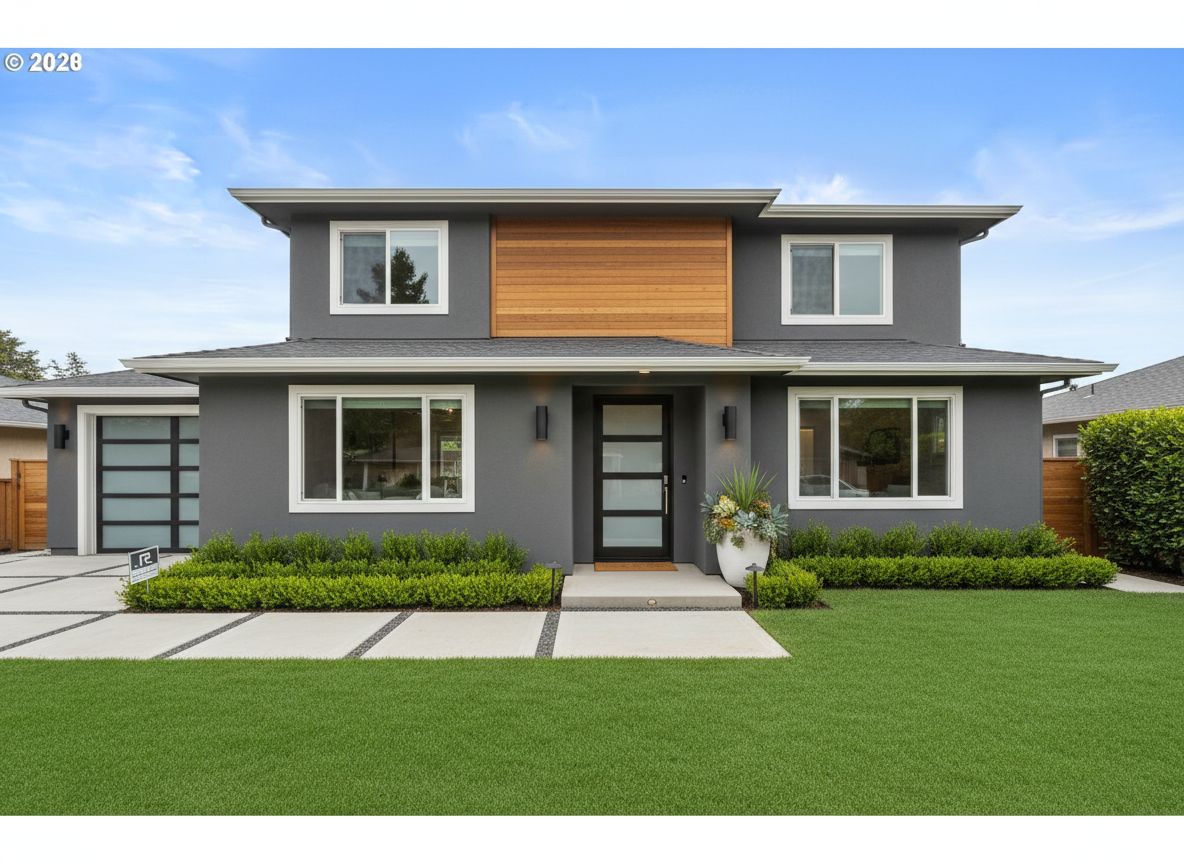
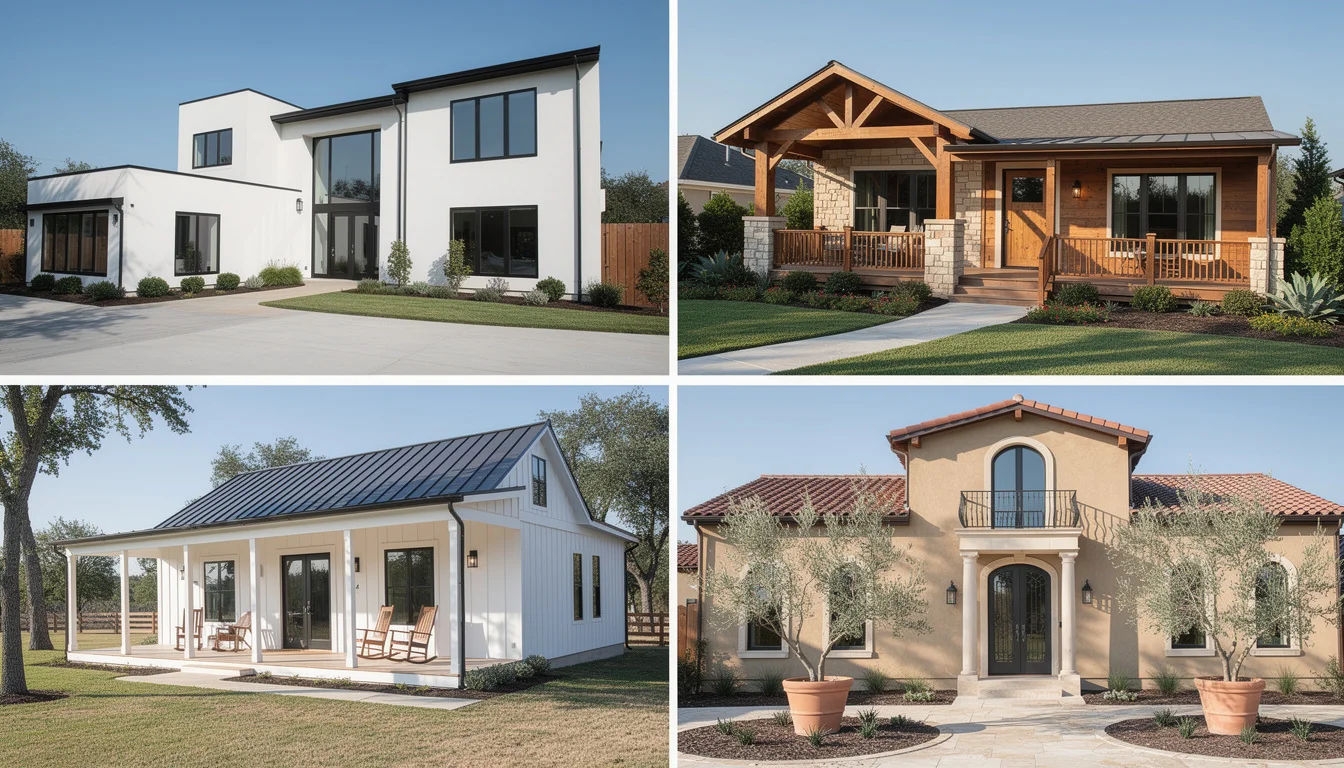
The Visualization Budget Math
Run the numbers for your practice. The difference is not incremental - it's a complete rethink of how you budget for visual communication.
Traditional Rendering
- $500 - $2,000 per render from a visualization studio
- 3 - 5 day turnaround blocks every design decision
- Outsourced team - your vision gets lost in translation
- Limited revisions - each change is a new invoice
- Requires costly software licenses (Lumion, V-Ray, 3DS Max)
Deqor AI
- Unlimited renders, one predictable monthly subscription
- 30 seconds from upload to download
- Works entirely in your browser - no installs, no plugins
- Unlimited iterations - change materials, lighting, season, angle in seconds
- No extra tools needed - one subscription replaces the whole rendering stack
Firms that use Deqor AI on just 3 projects per month recover the full annual subscription cost in week one. Every render after that is pure margin.
Calculate Your SavingsDeqor AI vs. The Alternatives
How does Deqor AI stack up against the tools your practice already knows - and the studios you've been outsourcing to?
| Feature | Lumion | V-Ray | 3DS Max + Studio | Deqor AI |
|---|---|---|---|---|
| Setup Required | Complex install | Plugin + software | Complex + licensed | Zero - browser only |
| Cost per render | ~$1,500+/yr license | Studio day rate | $500 - $2,000+ | Subscription (unlimited) |
| Turnaround Time | Hours - overnight | 1 - 3 days | 2 - 5 days | 30 seconds |
| Revisions | Re-render each time | Extra charge | Extra charge | Unlimited, instant |
| Collaboration | ||||
| Works from site photo | ||||
| Browser-based | ||||
| Commercial rights included |
How Whitfield Architects Cuts
Visualization Costs by 70%
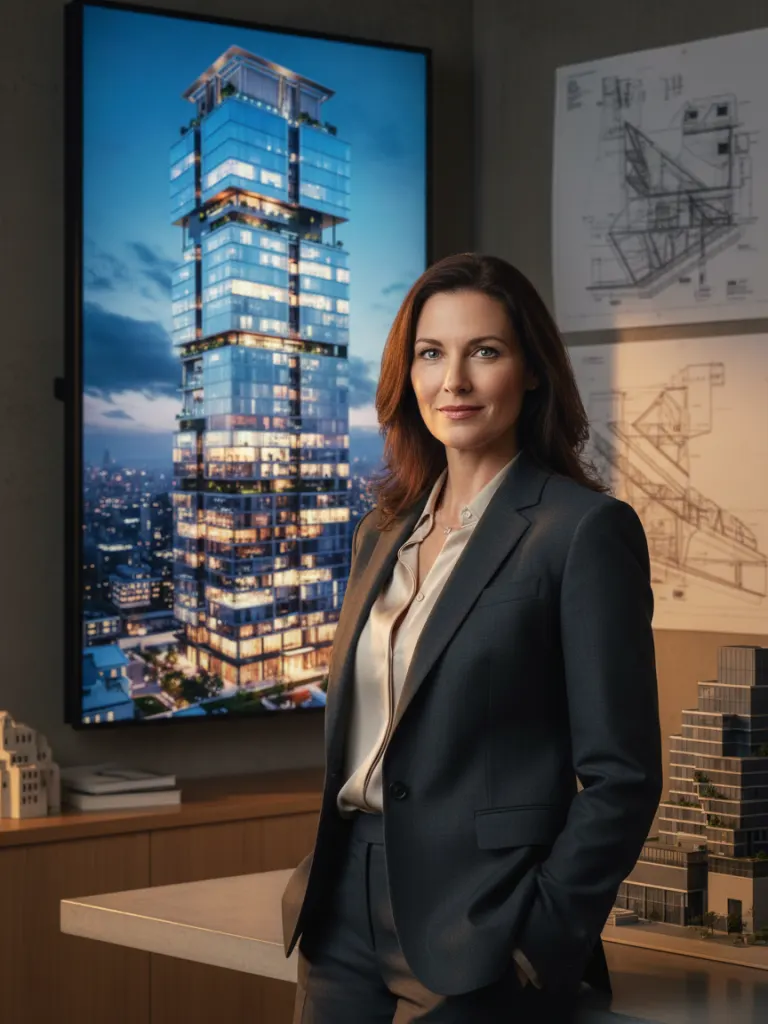
The Challenge
Whitfield Architects is a 4-person boutique firm competing against large practices with dedicated in-house visualization teams. Every pitched project required expensive render commissions that ate into already tight feasibility fees - and competing for public and private commissions meant the render budget could run to $8,000 per bid cycle.
The Solution
The team began using Deqor AI from the concept design phase through to schematic design. SketchUp massing models became client-facing renders within minutes of a design session. Material studies that previously required separate studio commissions were generated directly in the room during client meetings.
The Result
Visualization costs dropped by 70%. Clients are presented 3x more design alternatives per meeting. The firm won a major open competition entry - a category previously dominated by studios with in-house viz teams - citing the quality of their submission renderings as a key differentiator.
"Deqor AI has genuinely levelled the playing field. We walk into competition submissions with renders that rival what studios ten times our size produce - and we made them ourselves, in the office, the night before submission."
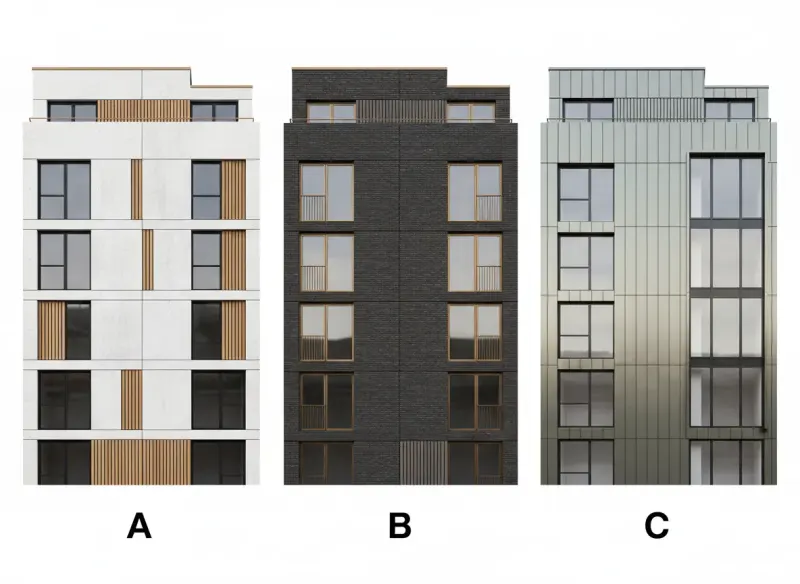
Explore 5 Materials in the Time It Takes to Email Your Renderer
Material and facade studies have always been the most expensive iteration in architectural visualization. With Deqor AI, a 5-option material study takes as long as it takes to type the prompt - not 5 separate render commissions over two weeks.
-
Generate multiple material options simultaneously
Corten steel, exposed concrete, brick, zinc panel - explore all in one session
-
Share directly from your browser for instant client feedback
No file exports, no email attachments - a shareable link is ready in seconds
-
Output is HD - suitable for presentation boards and publications
Prints cleanly at A1, drops into InDesign layouts, passes RFP quality checks
-
Works with any existing building photograph
Existing building renovation proposals, heritage reconfigurations, planning applications
Everything an Architecture
Practice Needs
Exterior & Facade Rendering
Photorealistic building exteriors from street-level, aerial and perspective views. Dusk, daylight, overcast - any lighting condition.
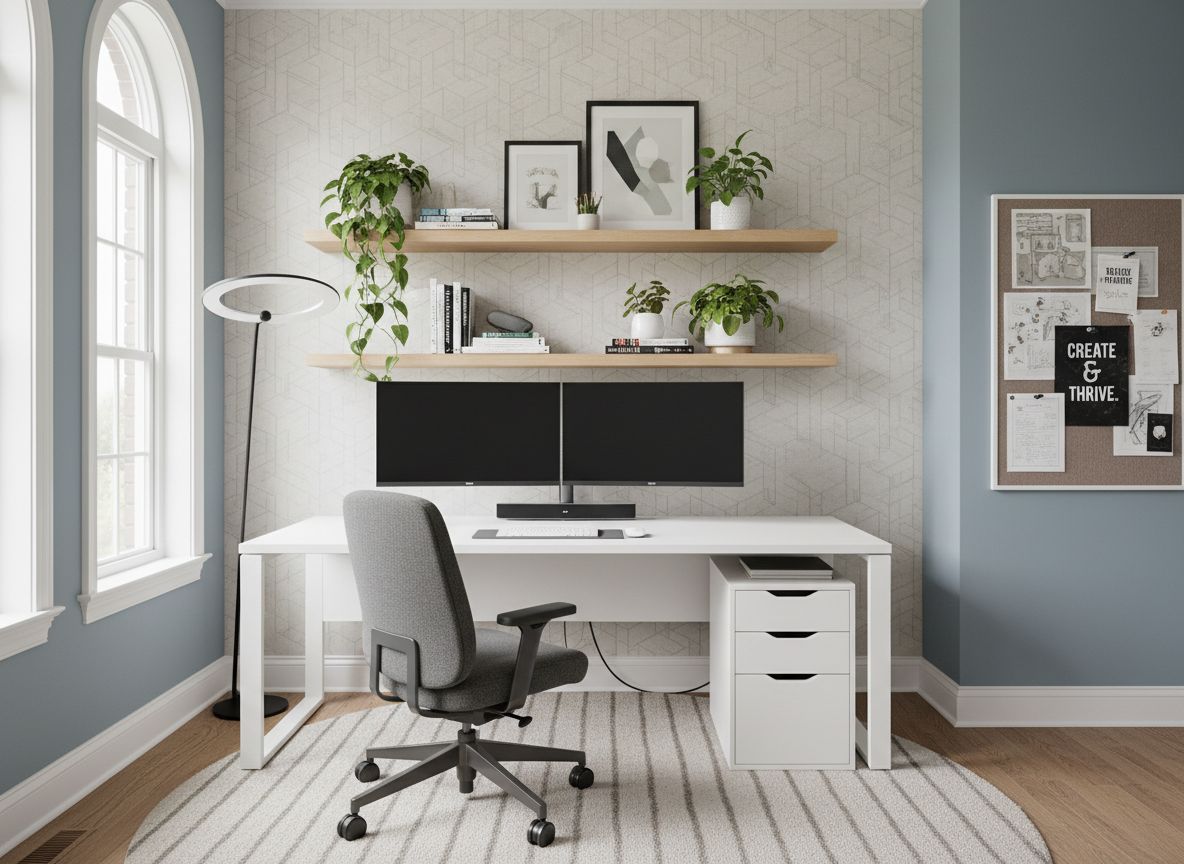
Interior Space Visualization
Lobbies, workspaces, public atriums, residential interiors - accurate spatial proportion and material finish.
Material Palette Exploration
Specify corten, fair-faced concrete, brick, zinc, glass, stone. See how materials read at scale before committing.
Natural Language Briefing
Describe architecture in plain English. "Exposed concrete, industrial glazing, evening light, urban context" - Deqor AI understands architectural vocabulary.
Competition Board Quality
HD output sized for A0 competition boards. Renders that pass the standard of open international competitions.
Works from Any Input
Site photographs, SketchUp exports, hand sketches, Revit screenshots, physical model photos - any visual starting point.
Revit & SketchUp Compatible
Export a screenshot or save-as-image from any BIM or 3D modelling tool. No plugin required - if it outputs a JPEG, it works.
Commercial Usage Rights
Every render is yours to use commercially - proposals, publications, press releases, social media, competition submissions, client deliverables.
What Architecture Practices
Are Saying
"We started winning more presentations the moment we switched to Deqor AI. Clients respond completely differently to photorealistic renders than they do to technical drawings. Approval cycles have shortened from three weeks to three days."

"I submitted three competition entries this year using renders from Deqor AI. Two were shortlisted. The judges commented specifically on the visual quality of our boards. I'd previously been spending $4,000 a time on a viz studio."

"As a one-person practice, I simply couldn't afford to outsource renders at the concept stage. Now I walk into every preliminary meeting with multiple visualised options. It's changed what clients think a solo architect can deliver."

"The cost savings are real and significant. We've redirected our former visualization budget back into design time. That's directly improved our project quality - and our profit margins on each project have noticeably improved."

"My team uses Deqor AI during design sessions. We'll sketch a concept, take a photo on a phone, describe the material intent, and have a render to review before the meeting ends. That feedback loop is genuinely transformative."

"We're a 6-person firm. Our renders now look indistinguishable from firms that employ dedicated viz teams. For RFPs where the visual quality of submissions matters enormously, Deqor AI has genuinely levelled the competitive landscape."

Questions From
Architecture Practices
Yes - exterior architecture is one of Deqor AI's core use cases. Upload any building photograph, a SketchUp or ArchiCAD screenshot, or even a site sketch, describe the facade treatment and lighting, and receive a photorealistic exterior render. It handles everything from domestic extensions to large civic and commercial buildings.
Absolutely. Export or screenshot your model view from SketchUp, Revit, ArchiCAD, Rhino, or any other modelling tool, and upload it as your base image. Deqor AI uses it to preserve massing, proportion, and composition while generating the photorealistic render around it. No plugin or direct integration is required.
Lumion requires installing desktop software, purchasing an annual licence (typically $1,500+/year), and significant time investment to learn. It also demands a powerful workstation with a dedicated GPU. Deqor AI runs entirely in your browser with zero setup, processes renders in 30 seconds, and requires no 3D modelling competency - it works from a photograph. It's complementary to Lumion if you're already invested, but for concept-stage and client communication renders, Deqor AI is considerably faster and more cost-effective.
Yes. The renders are photorealistic and HD - they are used daily by architecture practices in client presentations, pre-application planning consultations, public consultations, and competition submissions. They clearly communicate spatial quality, material character, and design intent. They are not engineered accuracy documents, but as communication tools for clients and planning stakeholders, they are excellent.
Yes. Deqor AI understands a wide vocabulary of architectural materials - corten steel, fair-faced concrete, brick and mortar, zinc standing seam, powder-coated aluminium, low-e glass curtain wall, weathered timber, natural stone cladding. The more specific your prompt, the more accurately the render will reflect your design intent.
Deqor AI preserves the massing, proportion, and structural logic present in your input image. If you upload a correctly proportioned SketchUp model screenshot, those proportions are respected in the output. The AI is trained on architectural imagery and understands the visual language of buildings - column spacing, floor-to-floor heights, window proportions.
Yes. Renders are generated at high resolution and are suitable for A1 and A0 presentation boards, printed proposals, publication in architecture press, and digital media. They can be dropped directly into InDesign or Illustrator layouts without upscaling.
Yes. All renders generated with Deqor AI include full commercial usage rights. You may use them in open competition entries, shortlisted presentations, RFP responses, and published work. There are no additional licensing fees or restrictions for commercial and professional use.
That depends on your plan. Our subscription plans are designed for both individual practitioners and studio teams. If multiple team members need access simultaneously, a team plan provides shared credits and centralised billing. Contact us if you need a custom arrangement for a larger practice.
A visualization studio typically charges $500 - $2,000 per image with a 3 - 5 day turnaround. Revisions cost extra and require briefing a third party who has to interpret your design intent from drawings. Deqor AI costs a fraction of a single studio render per month as a subscription, delivers in 30 seconds, and keeps you in full creative control. For concept and schematic design phases especially, it removes the need for external visualization entirely.
Architecture Is Vision. Deqor AI Makes It Visible.
Your design intent is clear in your mind. The gap between that clarity and what your client sees costs you projects, proposals, and time. Close that gap - in 30 seconds, from your browser, for less than you spend on a single outsourced render.