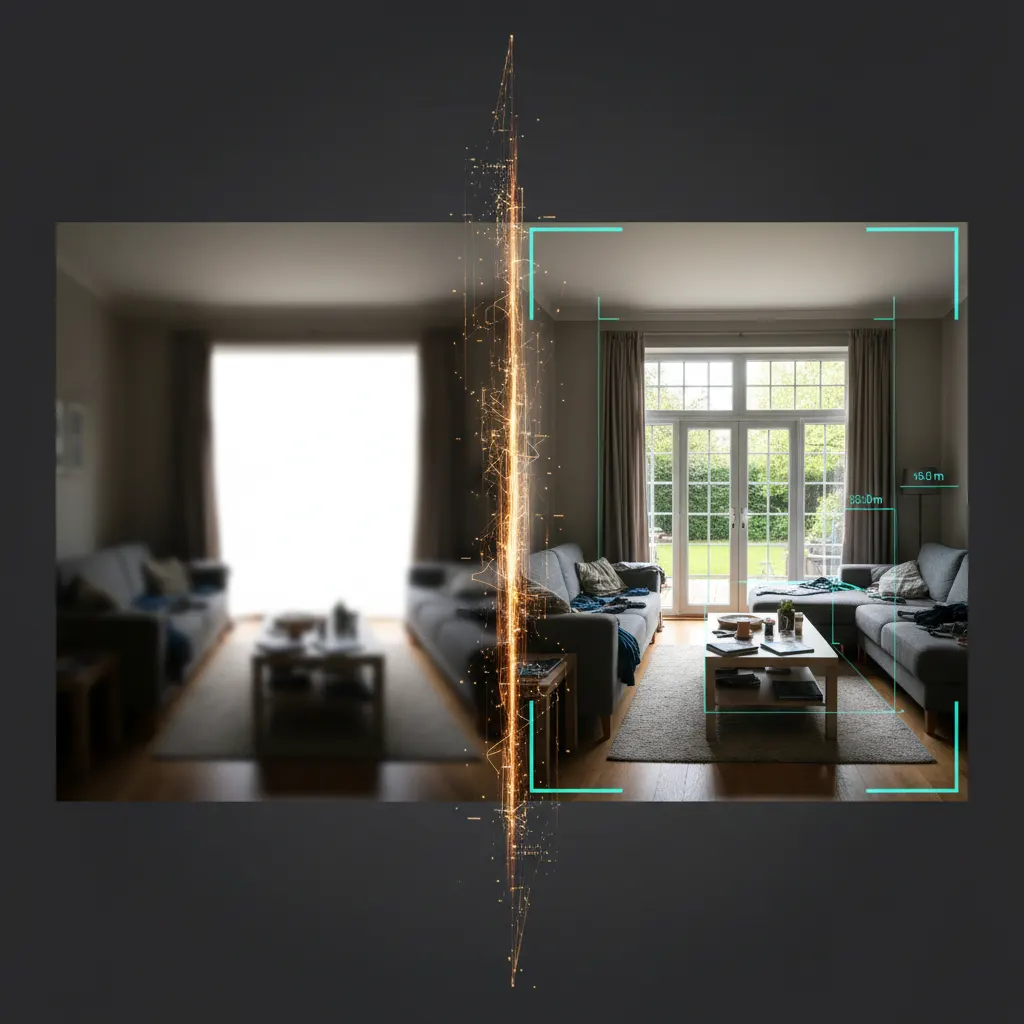
Bad Photo? Low Light?
Wrong Angle?
The AI Handles It.
Smart Upload analyzes every photo automatically - detects room type, corrects quality, maps surfaces and lighting, so every transformation starts perfect.
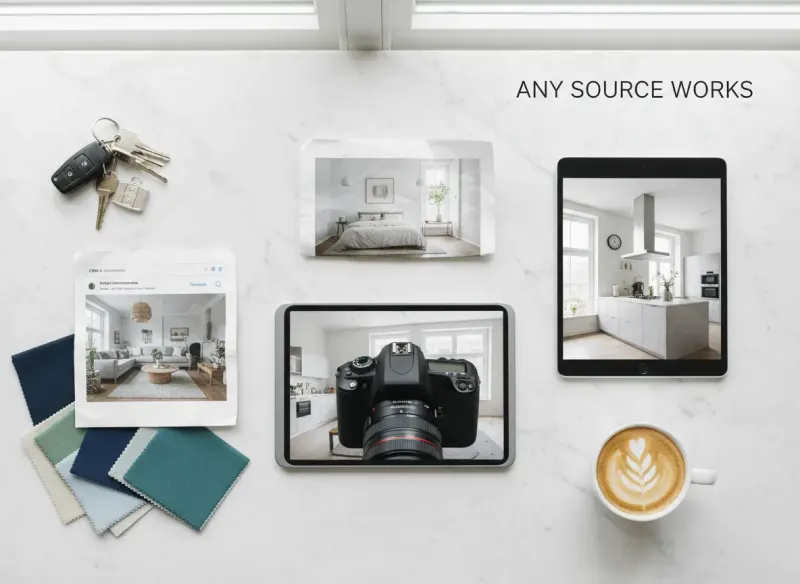
- Accepts phone photos, DSLR, screenshots, scans - any quality, any source
- Auto-corrects lighting, perspective, and resolution before AI processes
- Detects room type, style, and renovation potential in under 2 seconds





AI Analysis Engine
The AI Reads Every Pixel
Before It Transforms
Six layers of intelligent analysis run simultaneously on every photo you upload - before a single design choice is made.
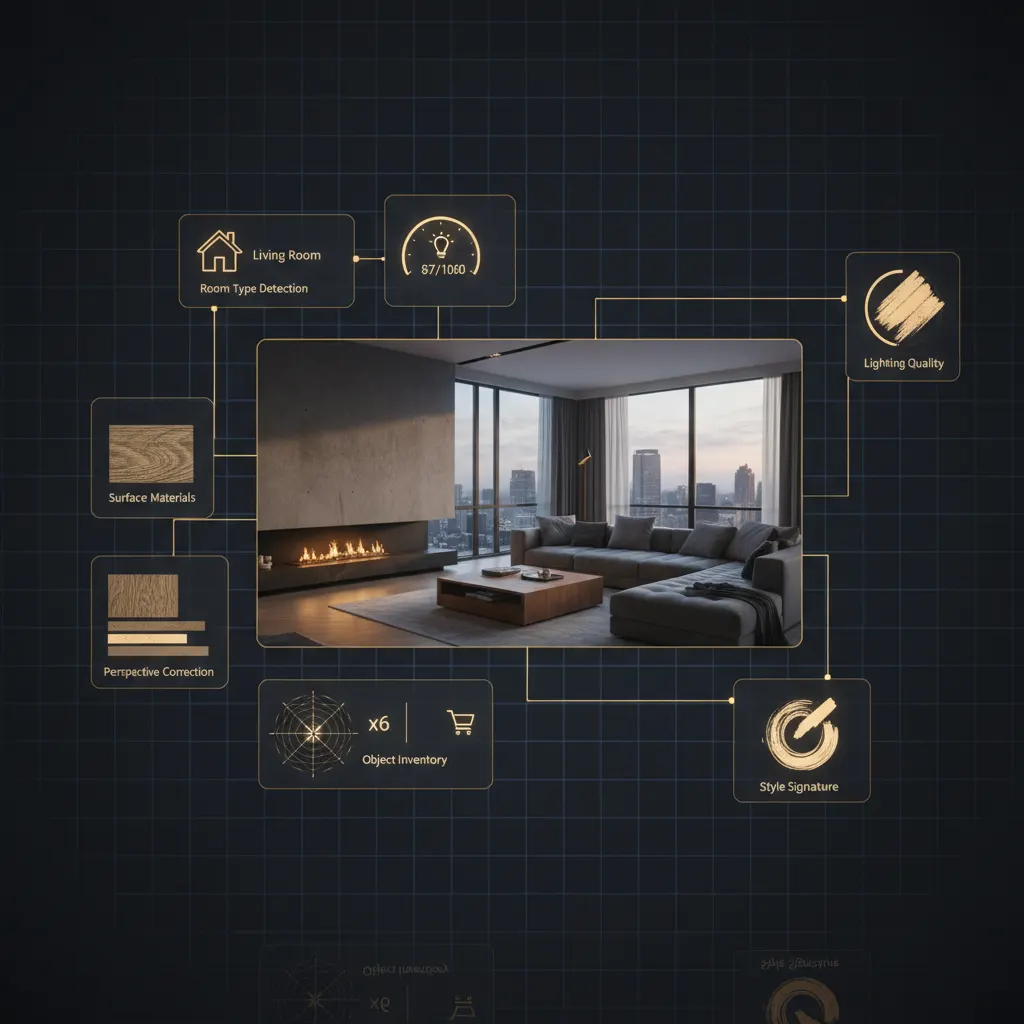
Room Type Detection
Identifies 15+ space types - living room, kitchen, bath, exterior and more
Lighting Analysis
Maps light sources, color temperature, shadows, and exposure levels
Surface Mapping
Recognizes floors, walls, ceilings, and materials for accurate rendering
Perspective Correction
Auto-straightens tilted, wide-angle, and distorted shots
Quality Enhancement
Upscales resolution, reduces noise, corrects exposure and sharpness
Style Recognition
Detects existing design style to inform transformation suggestions
Ready to Transform Your Space?
Join 2,487+ happy users who have redesigned their homes with Deqor AI.
Any Source
Whatever You Have,
It Works
No special equipment needed. No setup. Just upload and go.
Smartphone Photos
JPEG, HEIC, PNG from any iPhone or Android camera app. Snapshots, portrait mode, ultra-wide - all accepted.
DSLR / Camera Images
High-res RAW exports, full-frame shots, wide-angle lenses. The AI handles every format professionally.
Screenshots and Exports
Zillow listings, Google Street View, floor plan screenshots - anything you can screen-grab works instantly.
Scanned Images
Older printed photos, blueprint scans, physical drawings digitized by scanner or phone scanner apps.
Auto-Enhancement
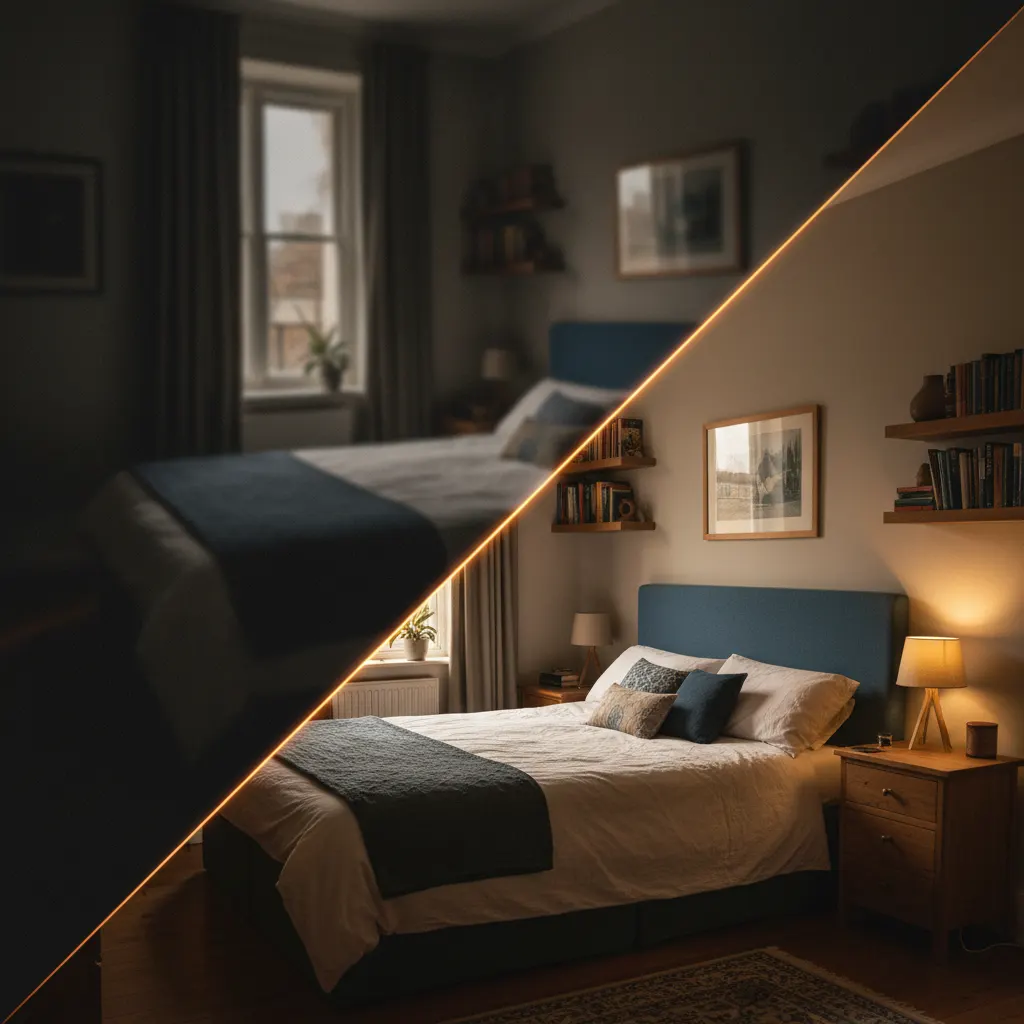
Bad Photo Goes In.
AI-Ready Image Comes Out.
Smart Upload automatically fixes common photo problems before any transformation begins. No manual editing needed.
Detection Engine
The AI Knows
What It's Looking At
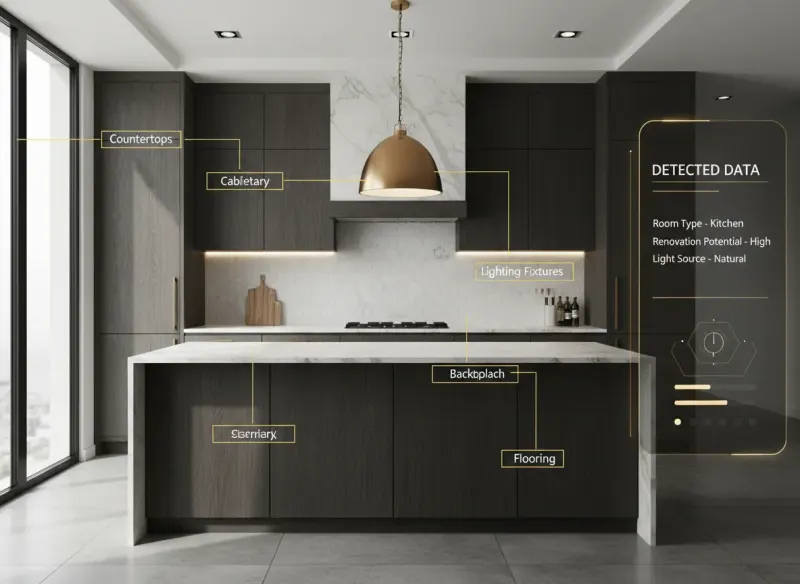
Before transforming anything, the AI builds a complete map of what it sees - every object, material, light source, and spatial relationship.
Simple Process
Upload. Analyze.
Transform. Done.
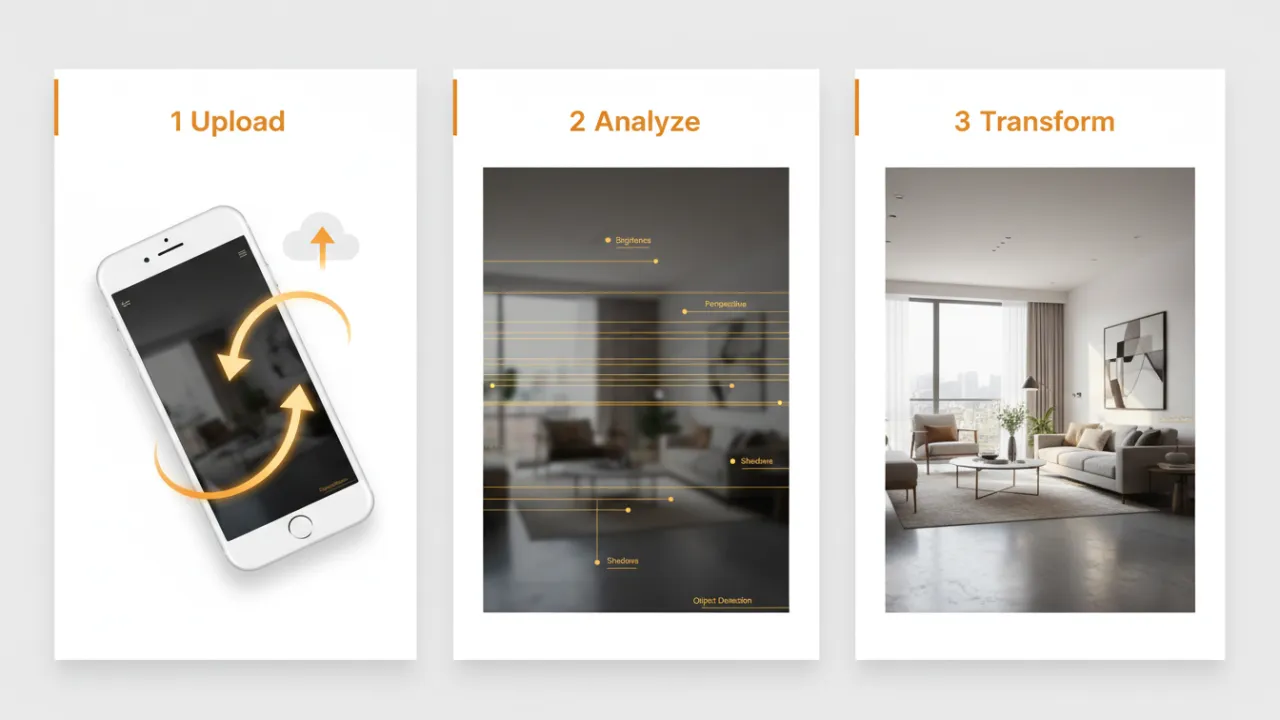
Three steps. All invisible. You just drop a photo and pick a style.
Upload
Drag, tap, or paste any photo from any source. Phone, computer, or clipboard - all work instantly.
AI Analyzes
Six layers of detection run simultaneously - room type, lighting, surfaces, perspective, quality, style.
Transform
Pick any of the 230++ transformations or chat with the AI. Photorealistic results appear in 30s.
Real Results
The Difference Smart
Upload Makes
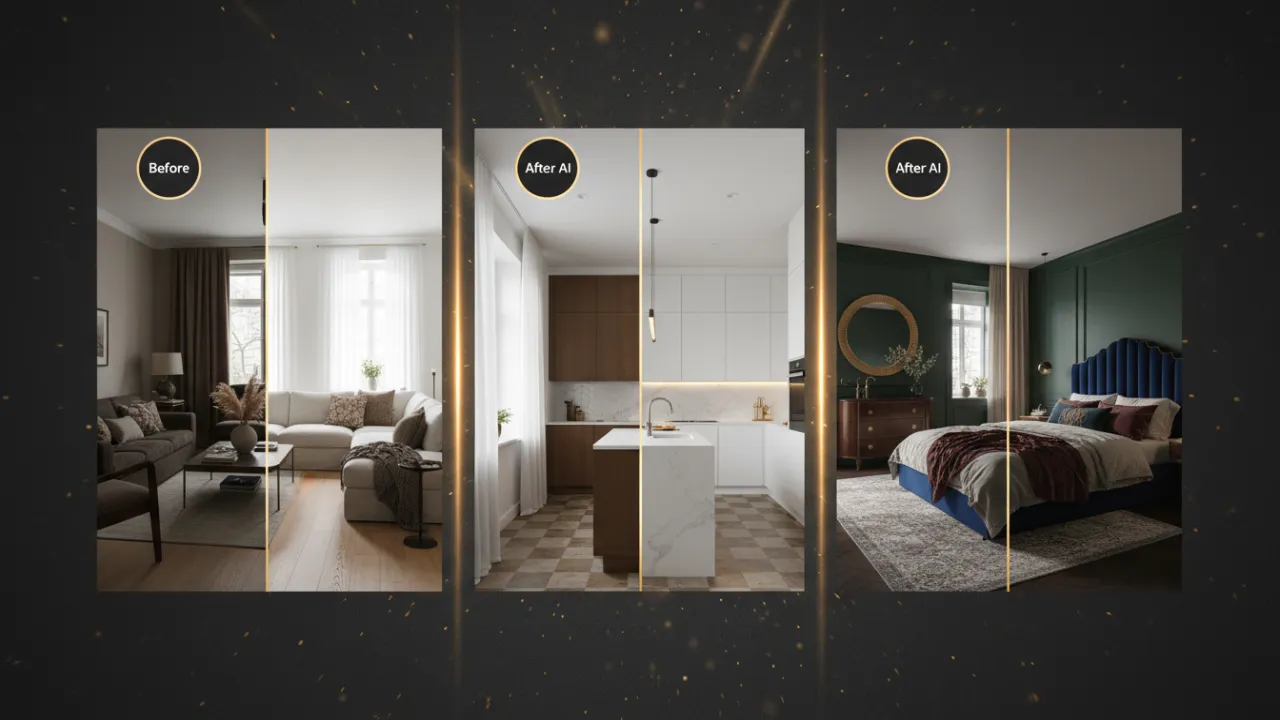
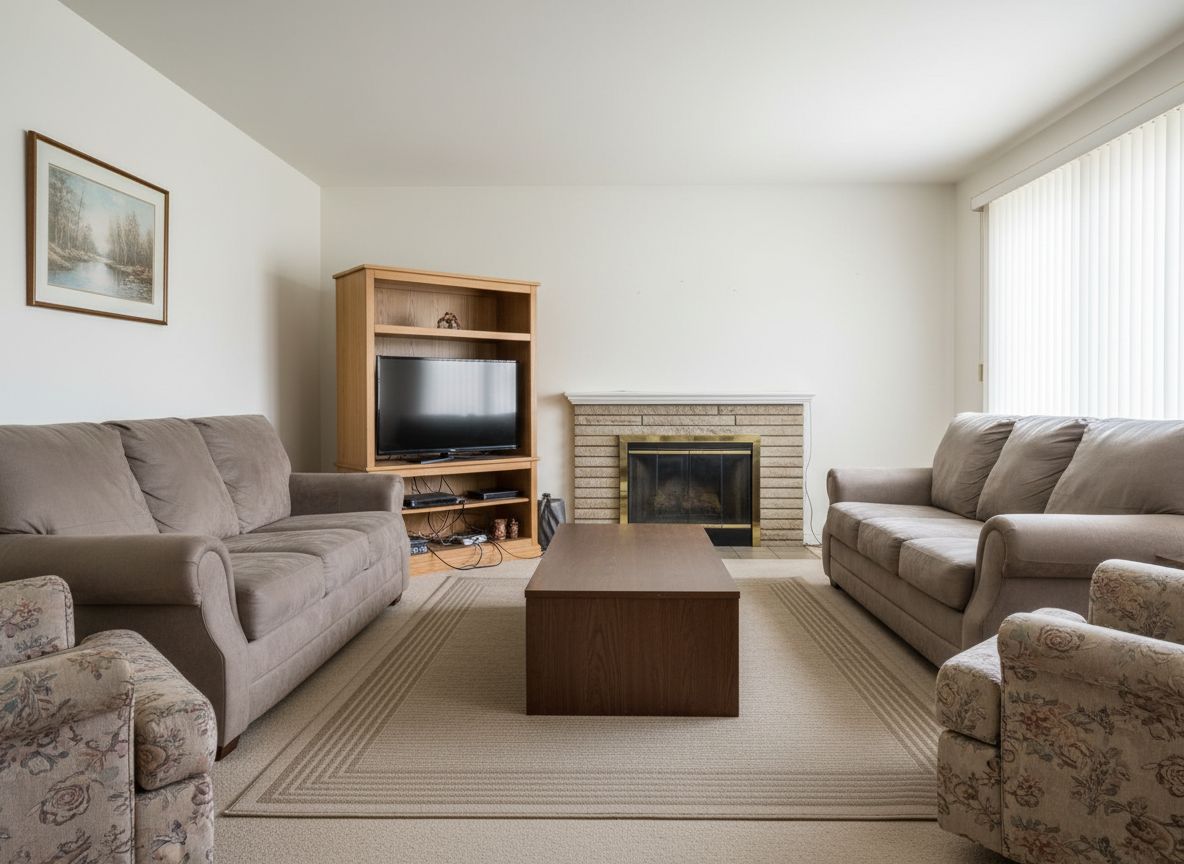
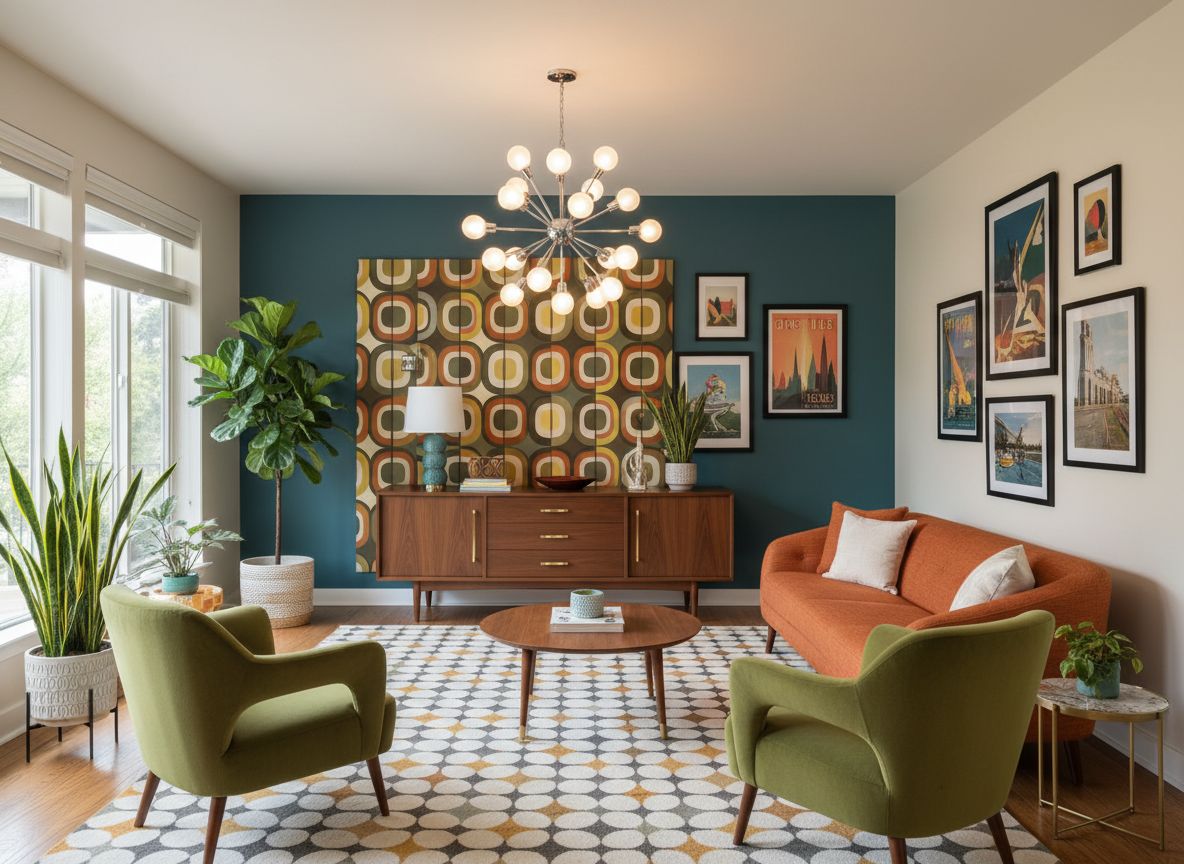
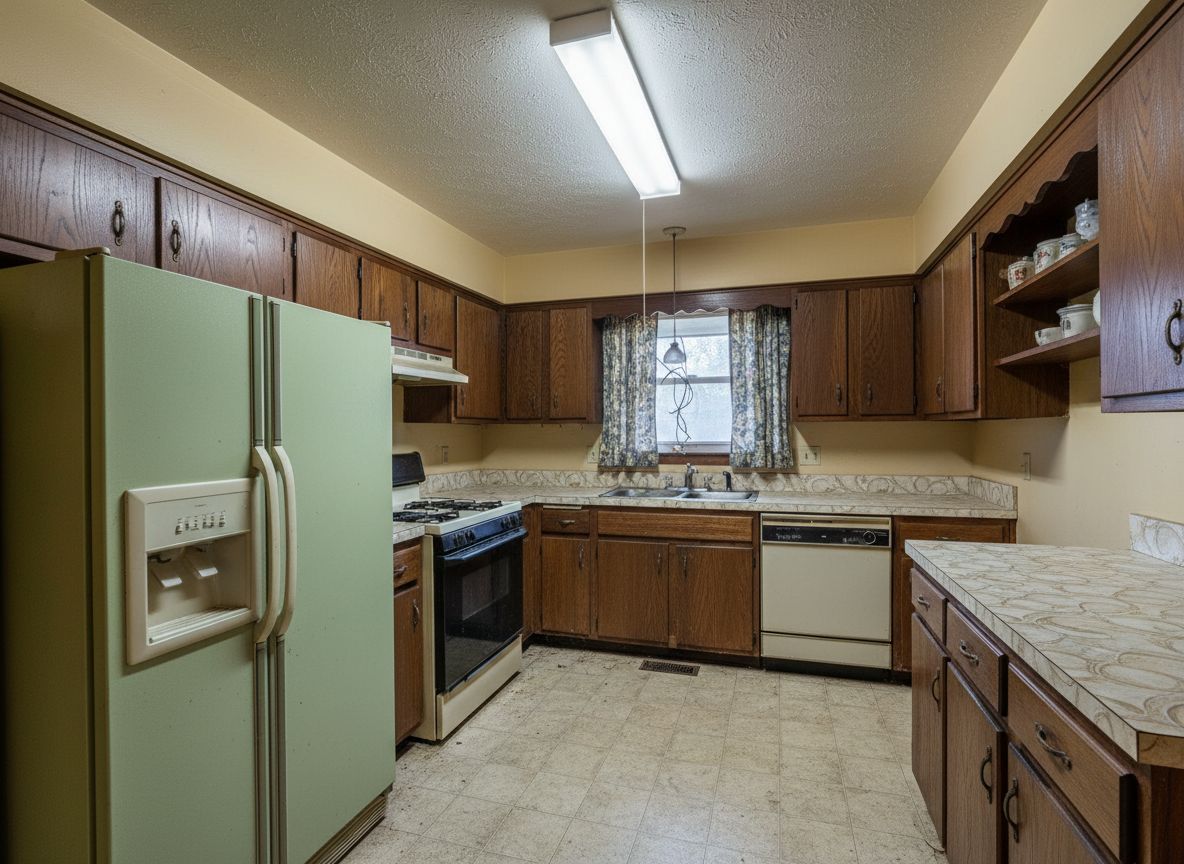
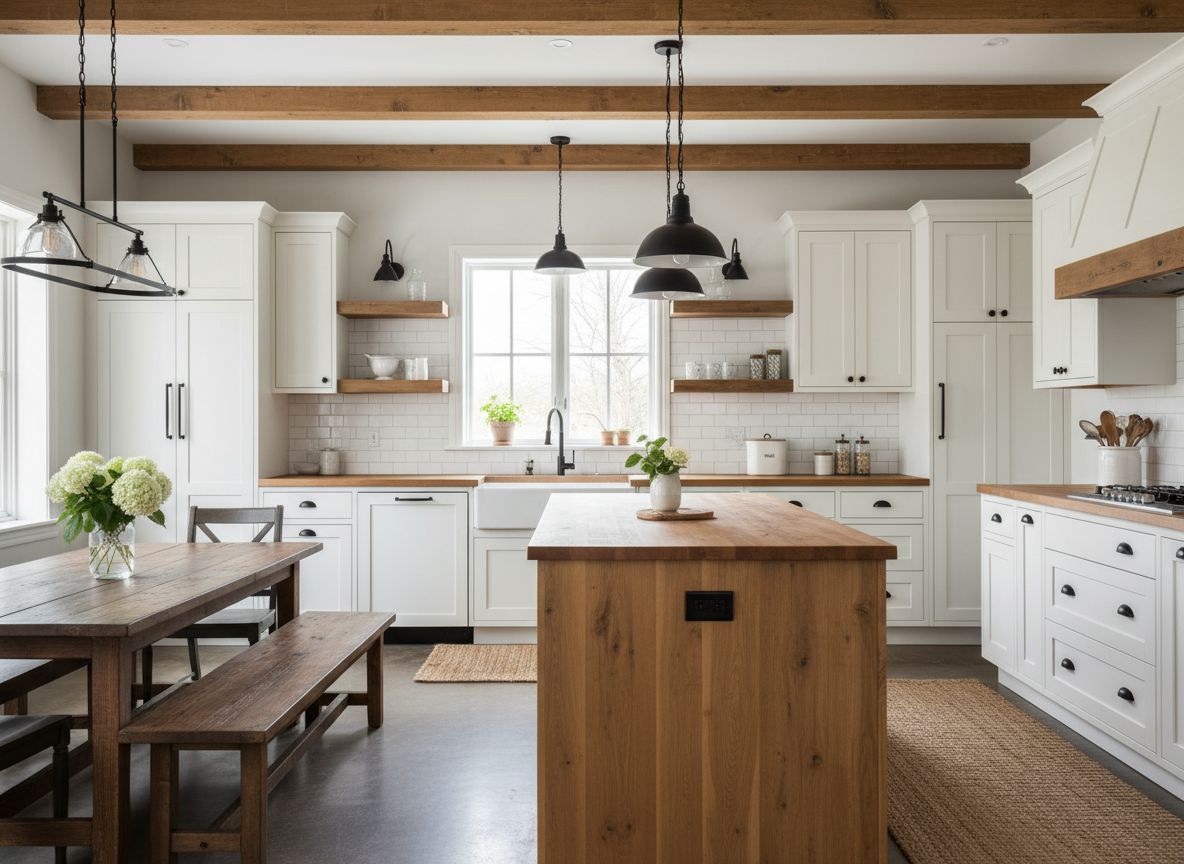
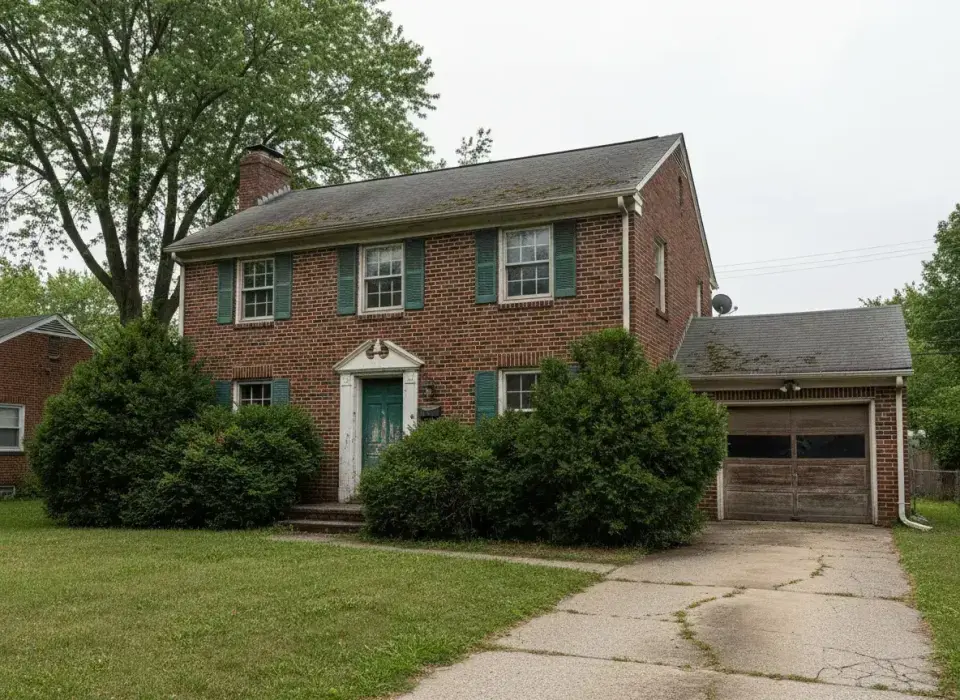
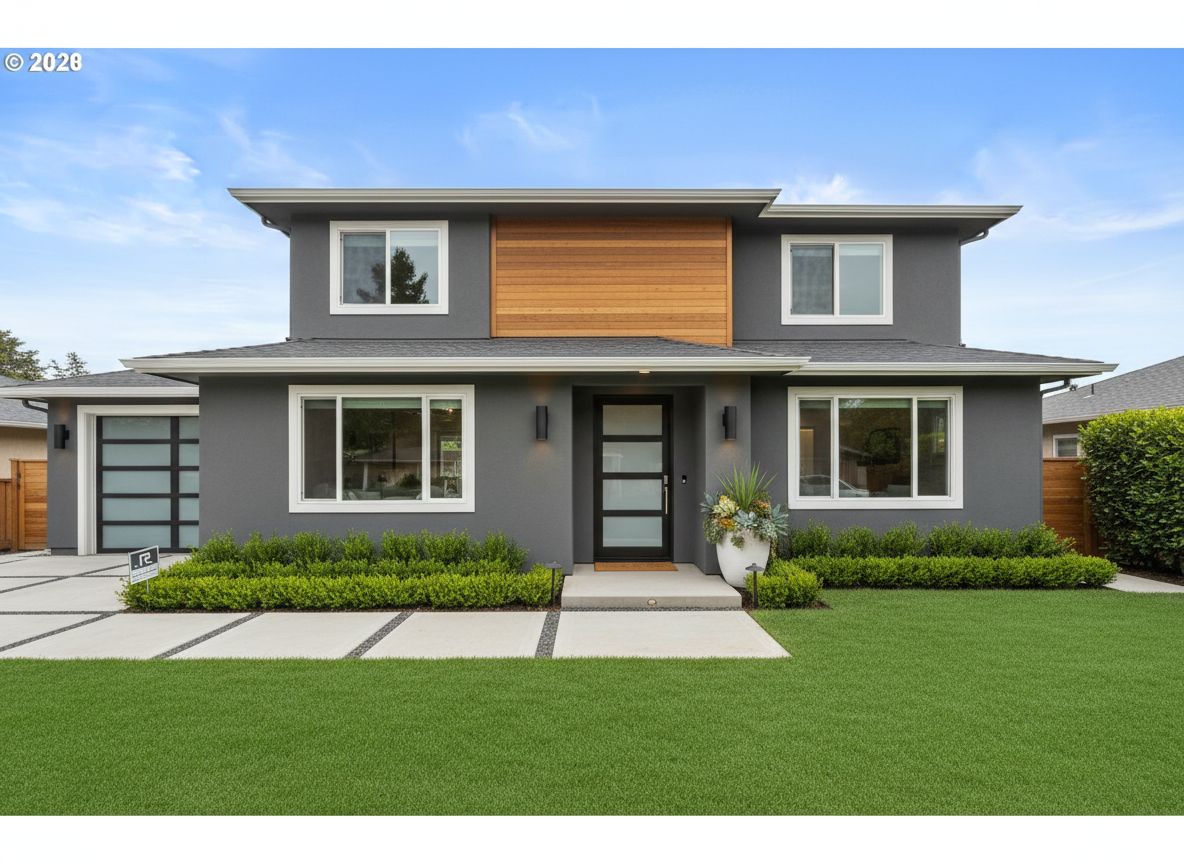
Every transformation below started with a regular phone photo. Smart Upload prepared each one automatically.
 Before
 After
After
 Before
 After
After
 Before
 After
After

Customer Story
How Sarah Uses Smart Upload on
Every Listing
Sarah Chen is a real estate agent who takes every listing photo herself - with her phone, on the day of the appointment. Before Deqor, she had to hire a photographer for every virtual staging job. Now she uploads those same phone photos directly to Deqor, and Smart Upload handles the rest: corrects lighting, straightens perspective, identifies the room, and preps it for AI transformation. She gets professional-quality virtual staging and enhancement in minutes - at no extra cost.
"I used to apologize for my phone photos. Now I upload them straight into Deqor and the results look like a professional photographer and stager spent the whole day there. My clients don't believe I did it myself."
Sarah Chen , Real Estate Agent
Comparison
Why Traditional Photo Editing
Can't Compete
See how Smart Upload compares to the old ways of preparing photos for design work.
| Feature | Manual Editing | Hire Photographer | Deqor Smart Upload |
|---|---|---|---|
| Setup required | Zero | ||
| Time to enhance | 30-60 min | 1-3 days | Under 2s |
| Works on bad photos | ~ | ||
| Auto-detects room type | |||
| Feeds AI transformation | |||
| Cost | Time + tools | $200-500/shoot | Included |
All Capabilities
Everything Smart Upload
Does Automatically
Eight automatic processes run every time you upload. Nothing to configure - everything just works.
Auto-Brightness
Balances dark, overexposed, or mixed-light photos
Perspective Fix
Straightens tilted and wide-angle distortions
Room Detection
Identifies space type with 99%+ accuracy
Style Recognition
Reads the existing aesthetic of any space
Surface Mapping
Maps walls, floors, and ceilings individually
Quality Upscaling
Enhances resolution up to 4x for sharper results
Color Correction
Neutralizes tints, casts, and harsh artificial light
Instant Ready
Photo arrives at the AI pre-analyzed and optimized
FAQ
Smart Upload - Common Questions
Everything you need to know about AI photo analysis.
There is no minimum quality requirement. Smart Upload is built specifically to handle low-quality photos - dark, blurry, low-resolution, or poorly framed. The AI auto-corrects whatever it can before passing the photo to the transformation engine, so even a quick phone snapshot delivers good results.
Yes. Drone and aerial shots of properties, rooftops, gardens, and exteriors are fully supported. The AI detects the aerial perspective, maps the visible surfaces, and applies transformations that respect the top-down or oblique angle of the photo.
The AI analyzes visual cues - furniture shape, architectural features, fixture types, ceiling height, and spatial layout - to classify the space. It recognizes 15+ room categories with over 99% accuracy on clearly visible spaces, with no manual tagging required from you.
Yes, within limits. Smart Upload applies automatic brightness correction, shadow lifting, and noise reduction to dark photos. Very underexposed images where room details are almost invisible will see significant improvement, though extremely dark photos may produce slightly softer results.
Yes. Smart Upload includes perspective correction that handles wide-angle barrel distortion and fisheye effects. The AI straightens curved lines and adjusts proportions so the room looks natural in the final transformation.
JPEG, PNG, WebP, HEIC, HEIF, and BMP are all accepted. Most camera exports and phone photos work without any conversion. Maximum file size is 20MB. RAW files should be exported to JPEG or PNG first.
Standard photo editing tools require manual adjustments - you move sliders, crop, and correct issues yourself. Smart Upload does all of that automatically in under 2 seconds, and goes further: it builds a semantic map of the space (room type, surfaces, lighting) that directly improves the AI transformation quality. No design tool replicates that.
Yes, measurably. Photos processed through Smart Upload produce more accurate surface rendering, better lighting consistency, and more realistic material placements in the final transformation. The pre-analysis tells the transformation AI exactly what it's working with, which significantly reduces AI errors and artifacts.
Your photos are perfect enough. The AI makes sure of it.
Stop letting photo quality block your design ideas. Smart Upload removes that barrier entirely - every photo you have, no matter how imperfect, becomes a great starting point for AI transformation.